
How to integrate your products for use in Smart Fitting Room
Smart Fitting Room uses the existing Products functionality built into the Console. As such, any existing products you have already integrated can be easily adjusted and selected for use in Smart Fitting Room.
Use these guides to integrate your products for use with PhyGrid applications:
How to prepare selected products for use in Smart Fitting Room
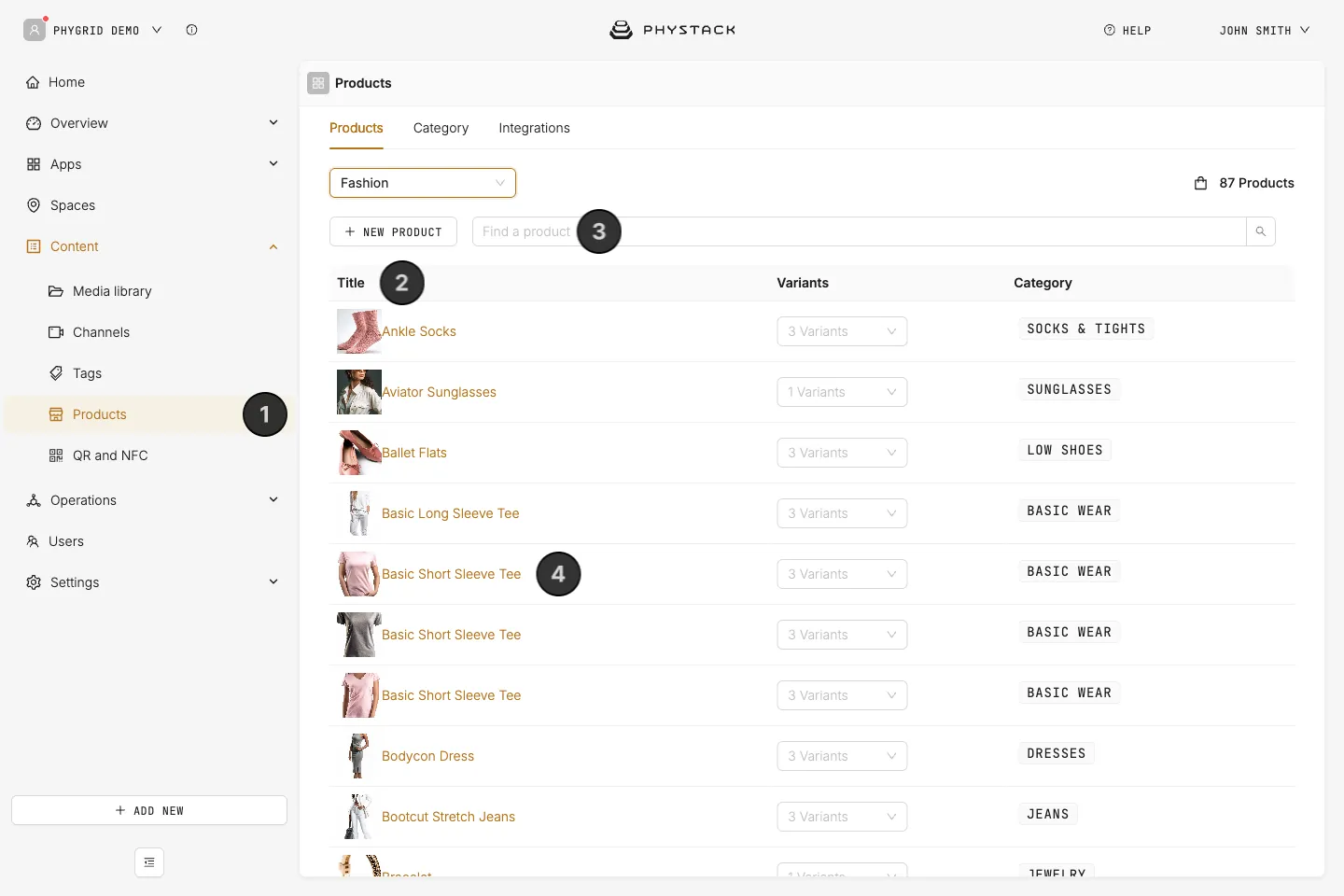
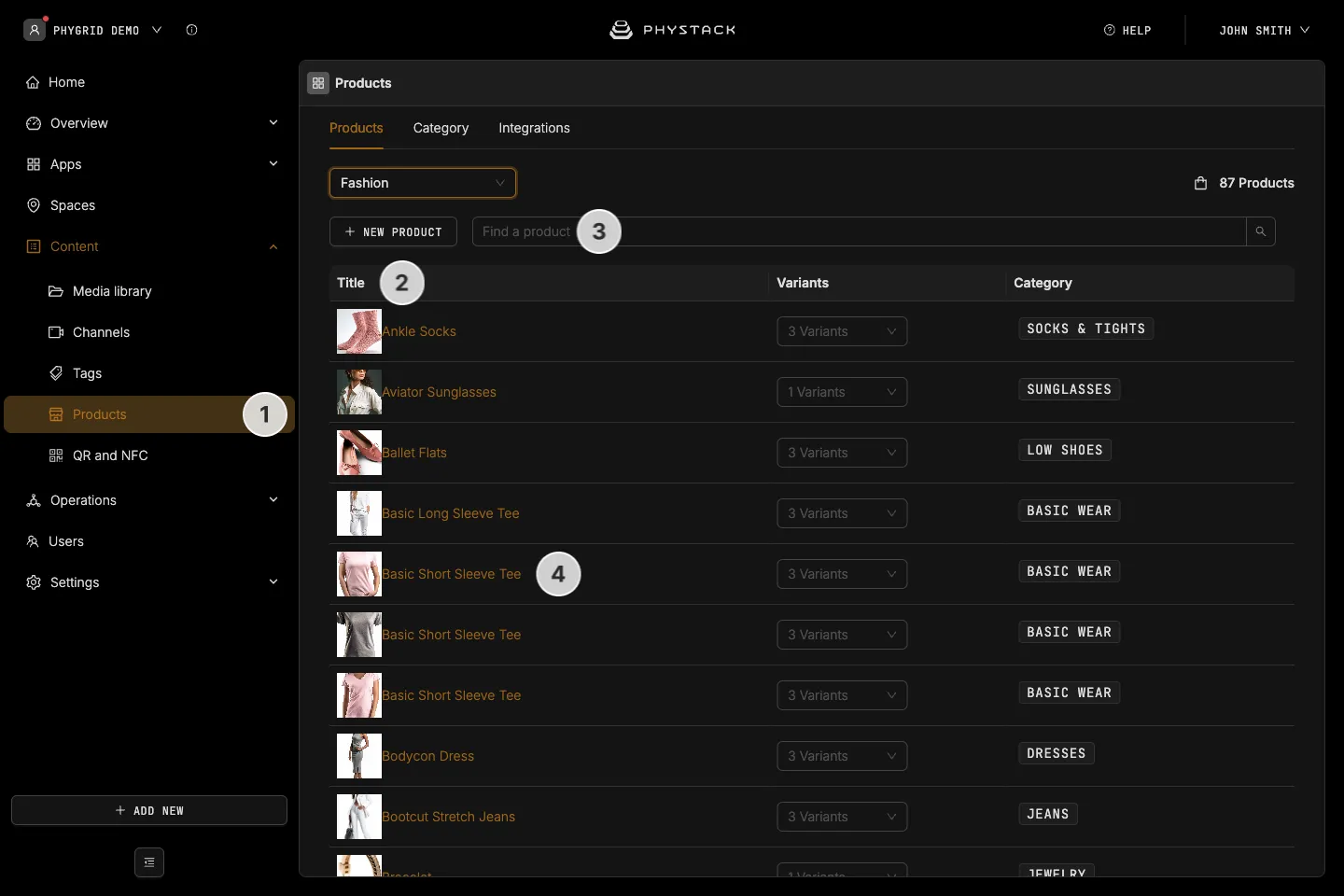
- Navigate to Content → Products
- Browse for the product to use in Smart Fitting Room
- Search for the product by name or product ID to use in Smart Fitting Room
- Select the product
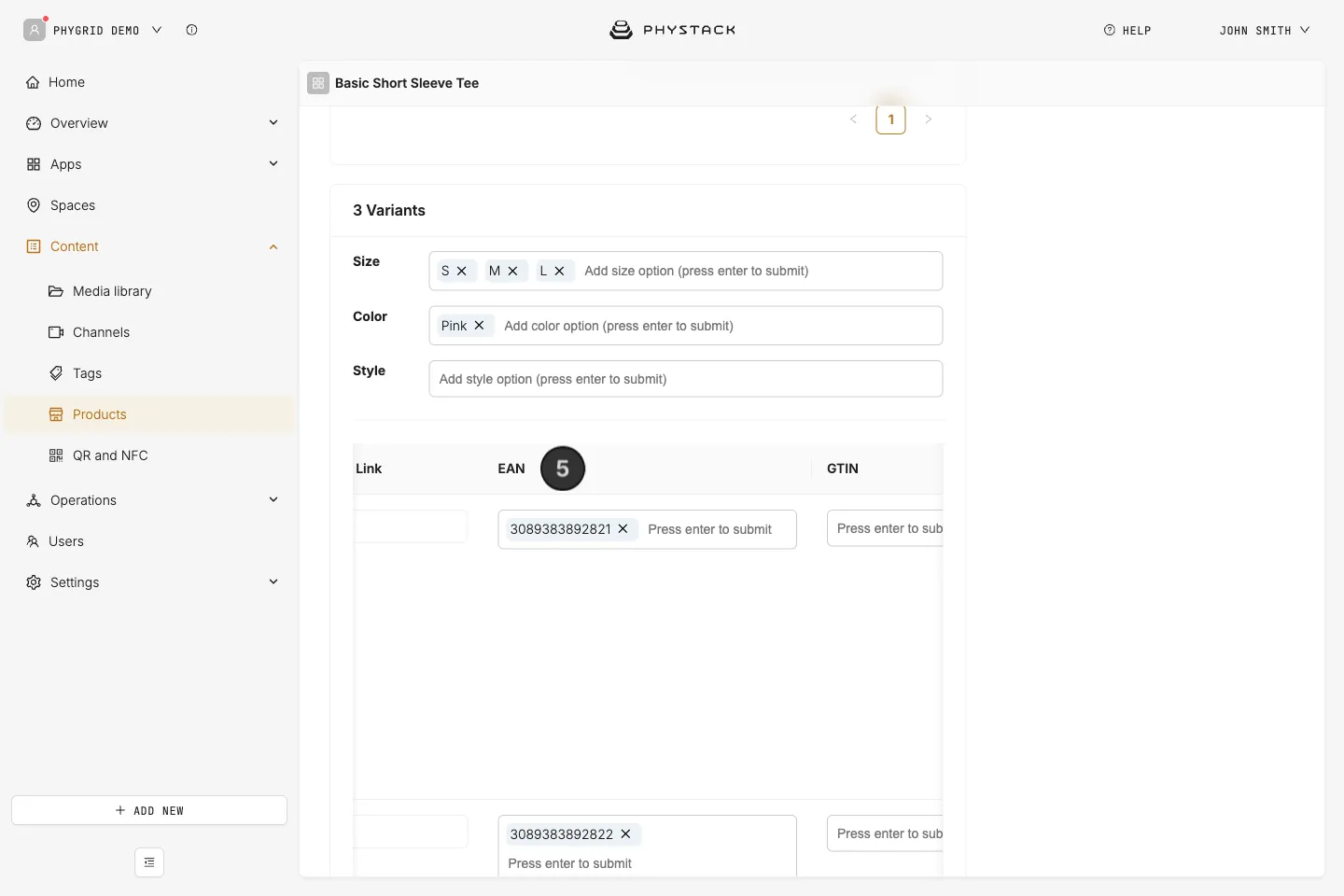
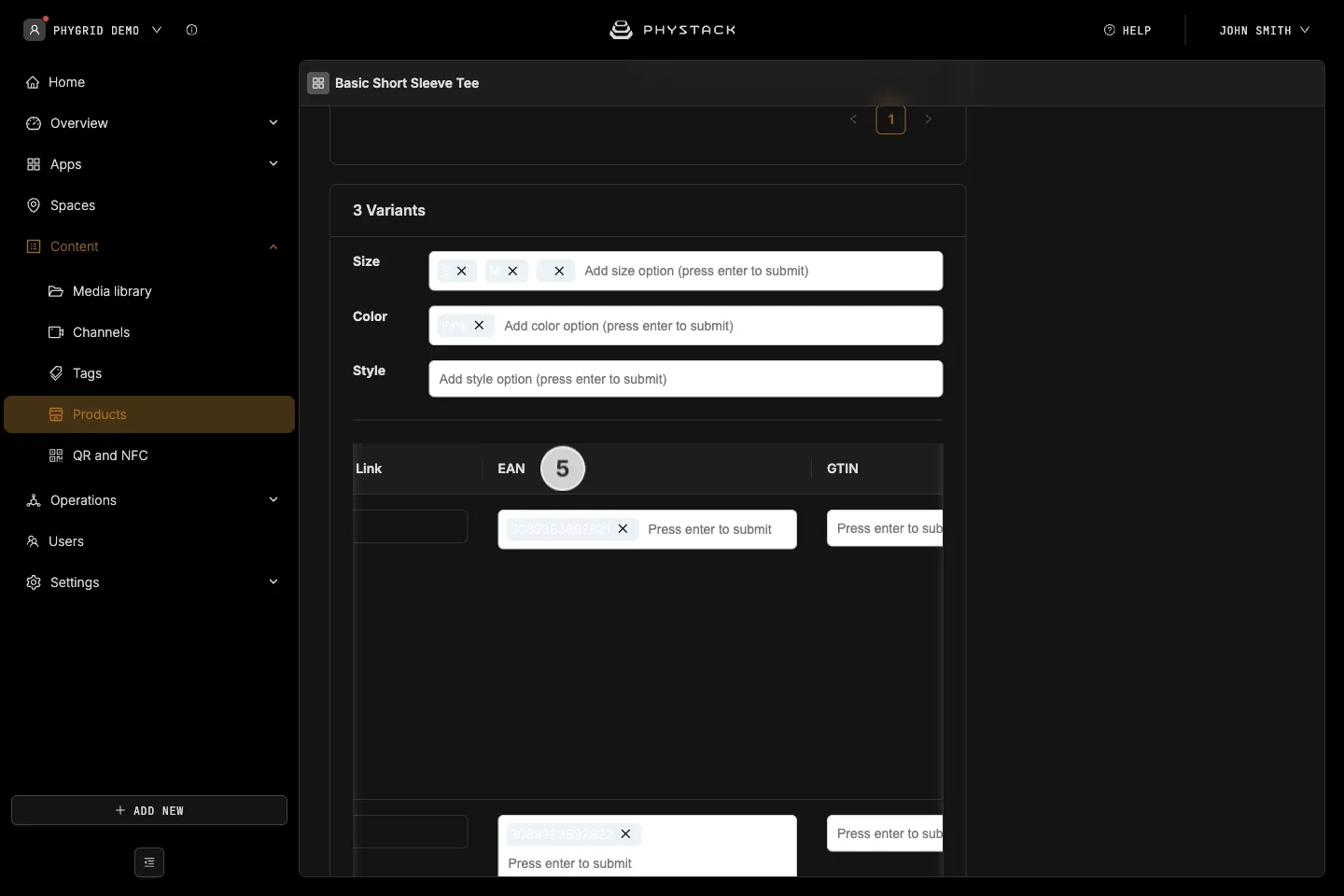
- Browse to the bottom of the page and make sure that the EAN or UPC fields have values. If not, enter the value, and note it, as you will need to write these values to RFID tags.