
What is Occupancy Manager?
Occupancy Manager is part of the Occupancy Control variant of the Queue Management solution. It is a simple web app used for manual people counting and visitor flow control. Use it to manually count or edit entries and exits and control occupancy based on the maximum defined occupancy levels.
How to access the Occupancy Manager
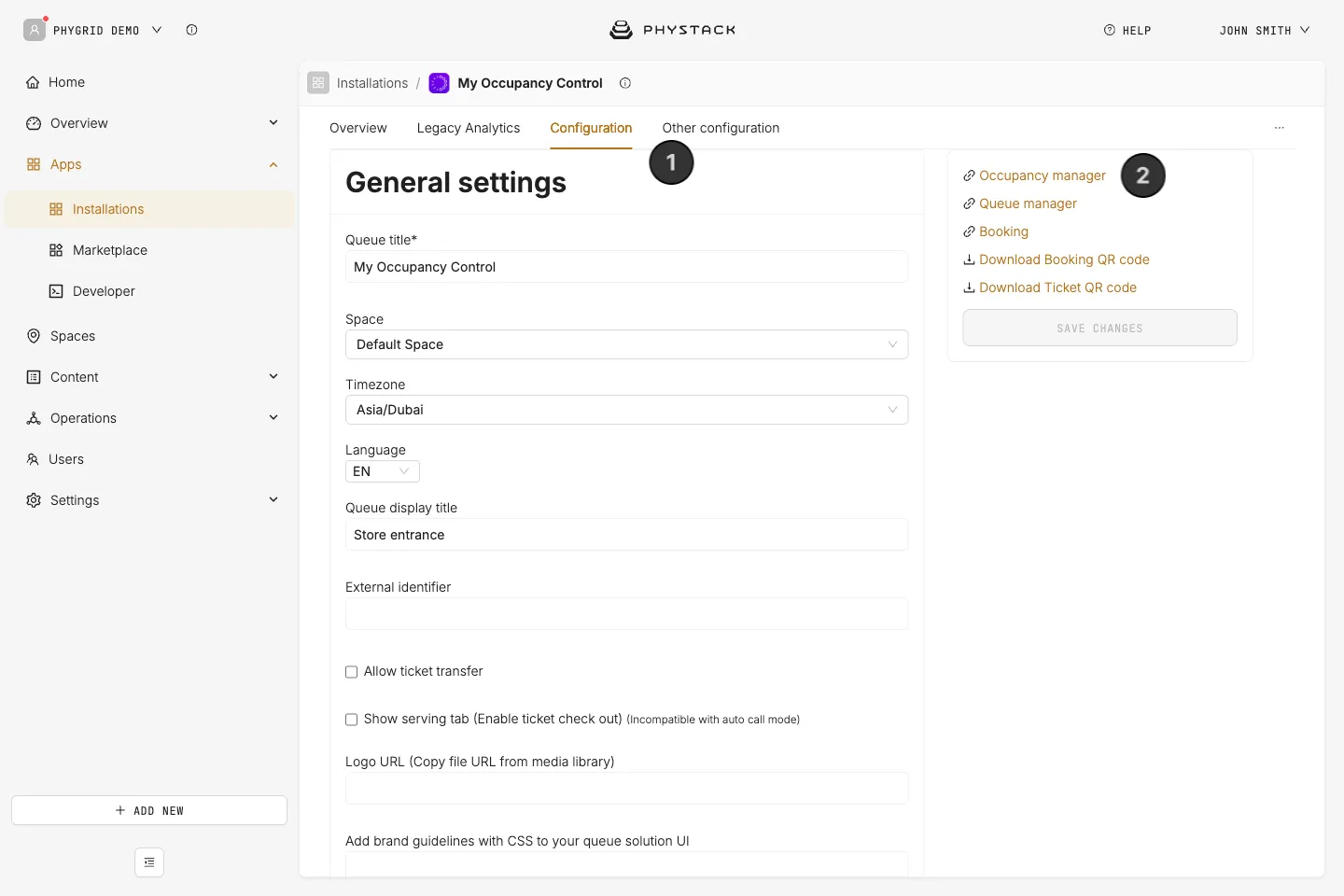
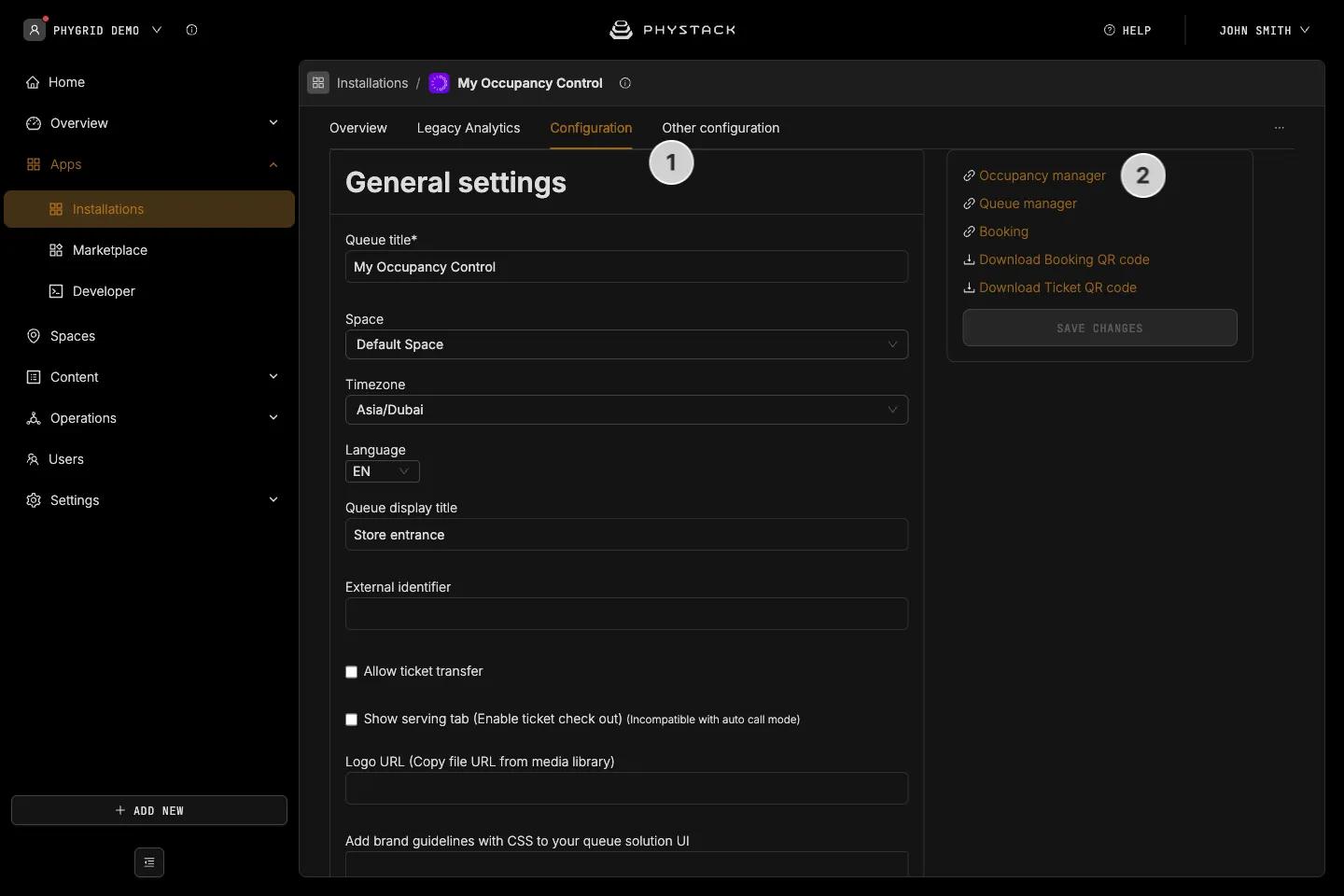
- In the Console, open your Occupancy Control installation and go to the Configuration tab
- Copy the link for Occupancy manager from the right-hand panel and share it with staff responsible for people counting
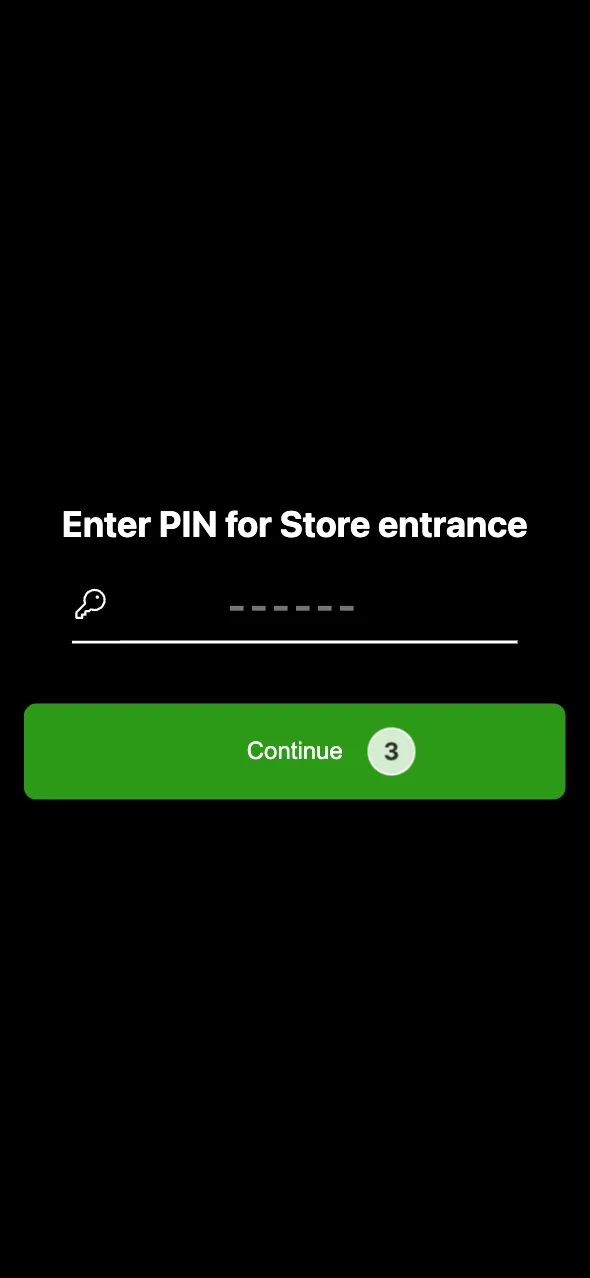
- Depending on the configured login method, you might also need to share the access pin number
- On the staff side, open the link you just received, and enter the pin or log in using your email
- Optionally, install Occupancy Manager as an app so it opens in its own window. It installs the same way as Queue Manager, as Occupancy Manager · queue title. See How to install Queue Manager as an app
How to use the Occupancy Manager
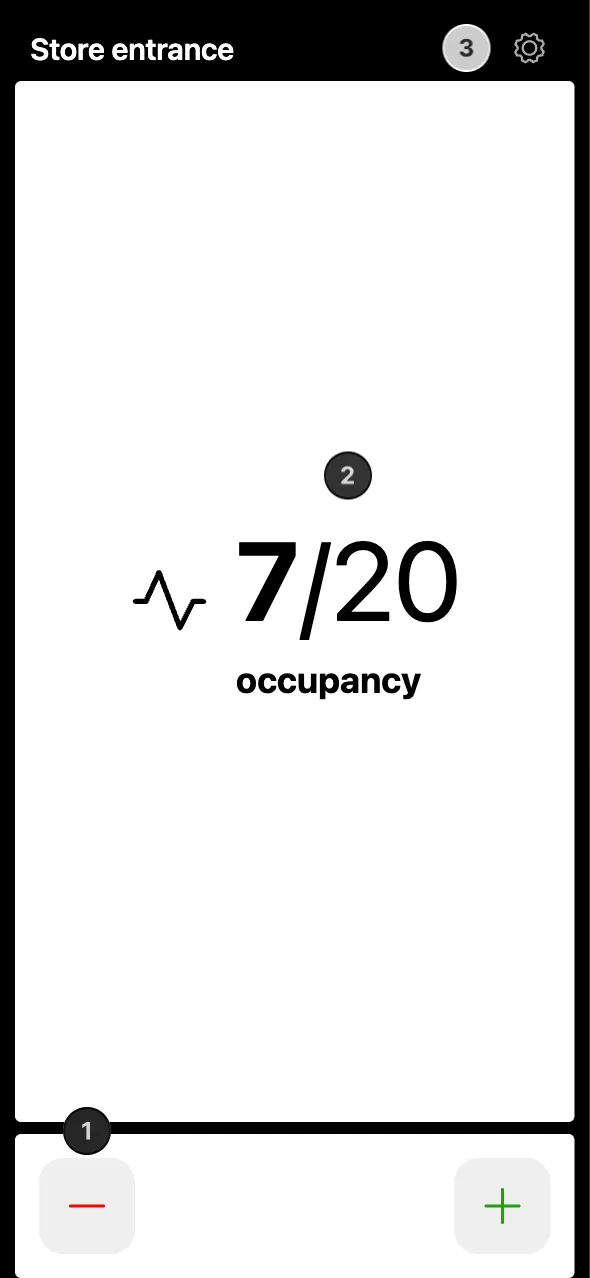
- Press the plus and minus buttons to add or remove occupancy
- Use the occupancy indicator to check current occupancy levels
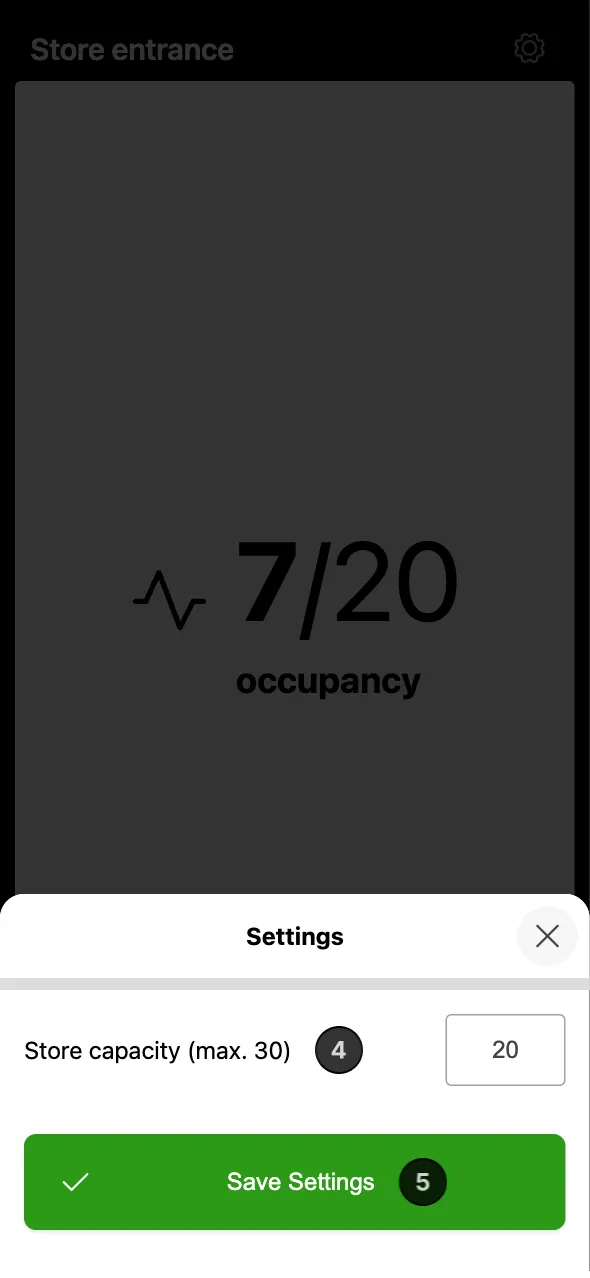
- Access the Settings
- Adjust the Store capacity. It can’t be higher than the maximum capacity set in the Console
- Click Save Settings