
What is Lift & Learn?
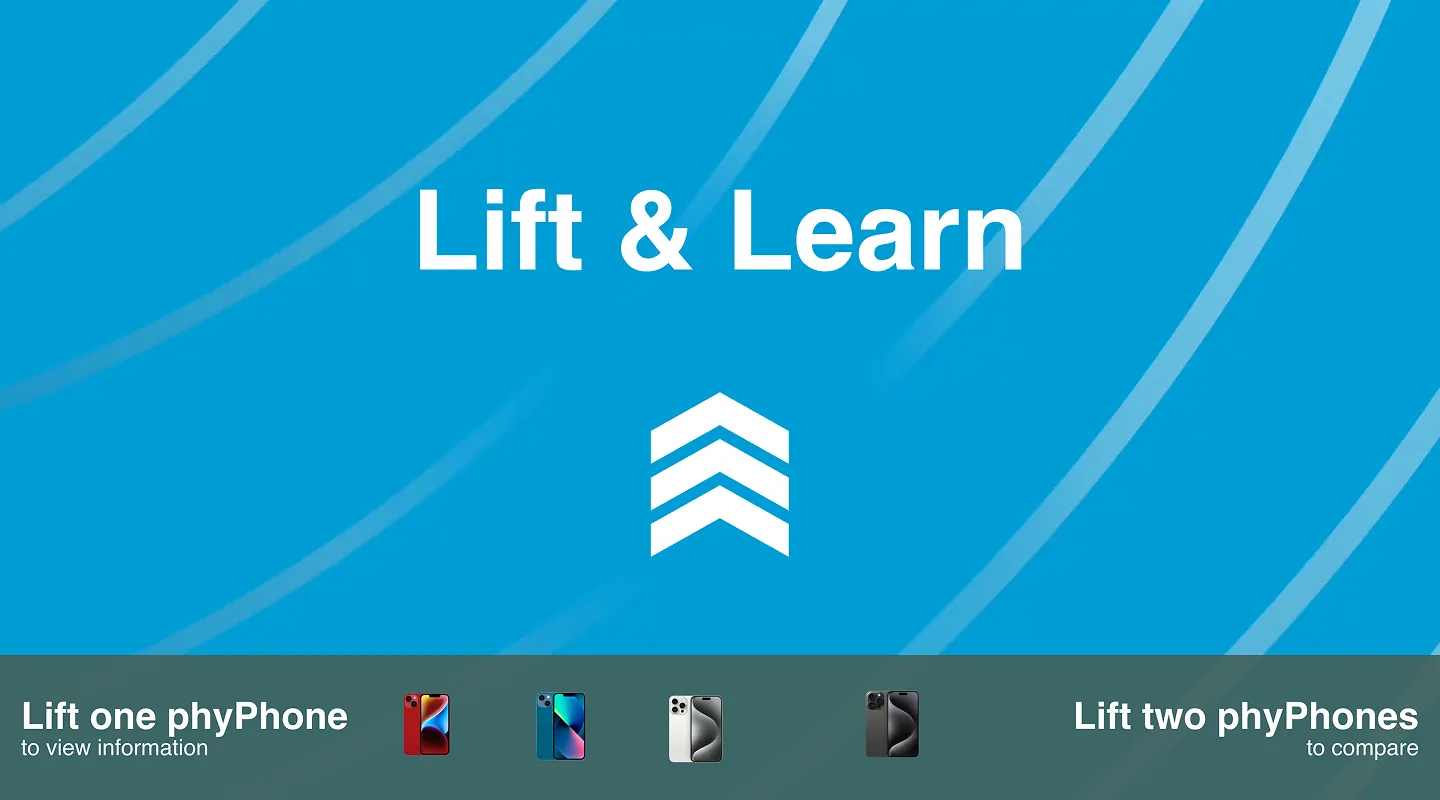
PhyGrid Lift & Learn shows product information on a screen when a customer lifts a product from a shelf. Each product sits on a Nexmosphere RFID sensor. When the customer lifts it, the screen shows that product’s details. In compare mode, lifting two products shows them side by side. When the products are put back, or after a timeout, the screen returns to its idle content.
What Lift & Learn does
Product details on lift
- Lift to show: Lifting a product shows its details on the screen
- Compare mode: Lifting two products at the same time shows them side by side
- Product details: Brand, title, image gallery, price and key selling points, taken from your product catalogue
- Promotions: Add a promotional text and show the product label next to the price
- QR code: Customers scan a QR code to open the product’s own link, or an address you choose
- Background media: Show an image or video behind each product’s details
Idle screen and branding
- Idle screen: An image or video plays while no product is lifted, with an optional call-to-action bar
- Return to idle: The screen goes back to the idle screen after a timeout, even if a product isn’t put back
- Your brand: Set your logo, colours and fonts, and style any screen with CSS
Products and analytics
- Products from your catalogue: Lift & Learn uses the products in Content → Products, so products you already use for other PhyGrid solutions work here too. See the Products overview
- Analytics: See which products customers lift (see Analytics)