
How to connect Smart Fitting Room to a device
Smart Fitting Room needs to be connected to the same physical device that is connected to the touchscreen and on the same network as the RFID reader. Do this step before further configuring the installation, in order to be able to set the proper device IP in RFID reader’s settings, as well as proper RFID details when installing the RFID peripheral edge app.
Use these guides to connect your Smart Fitting Room installation to a device:
How to configure device settings
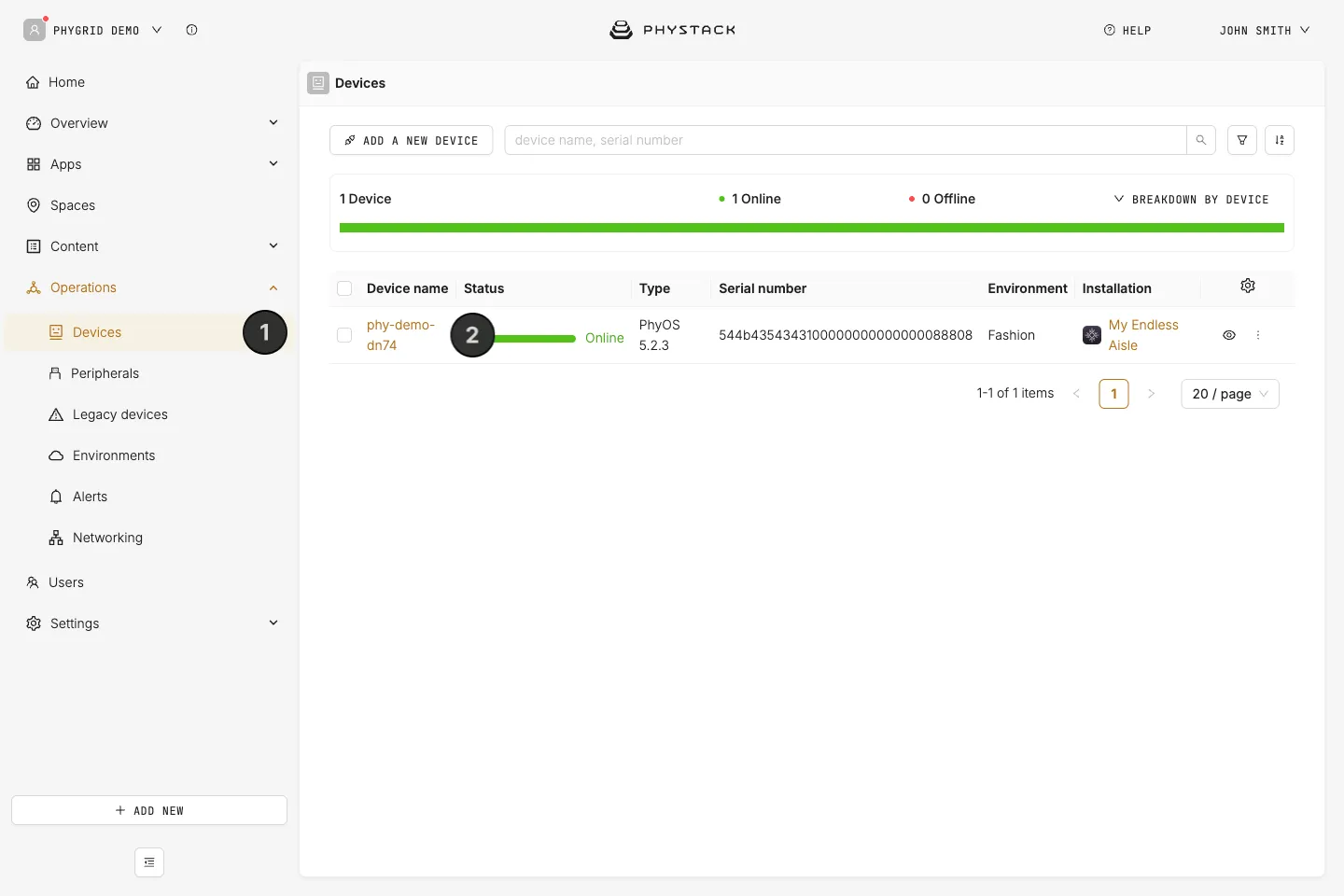
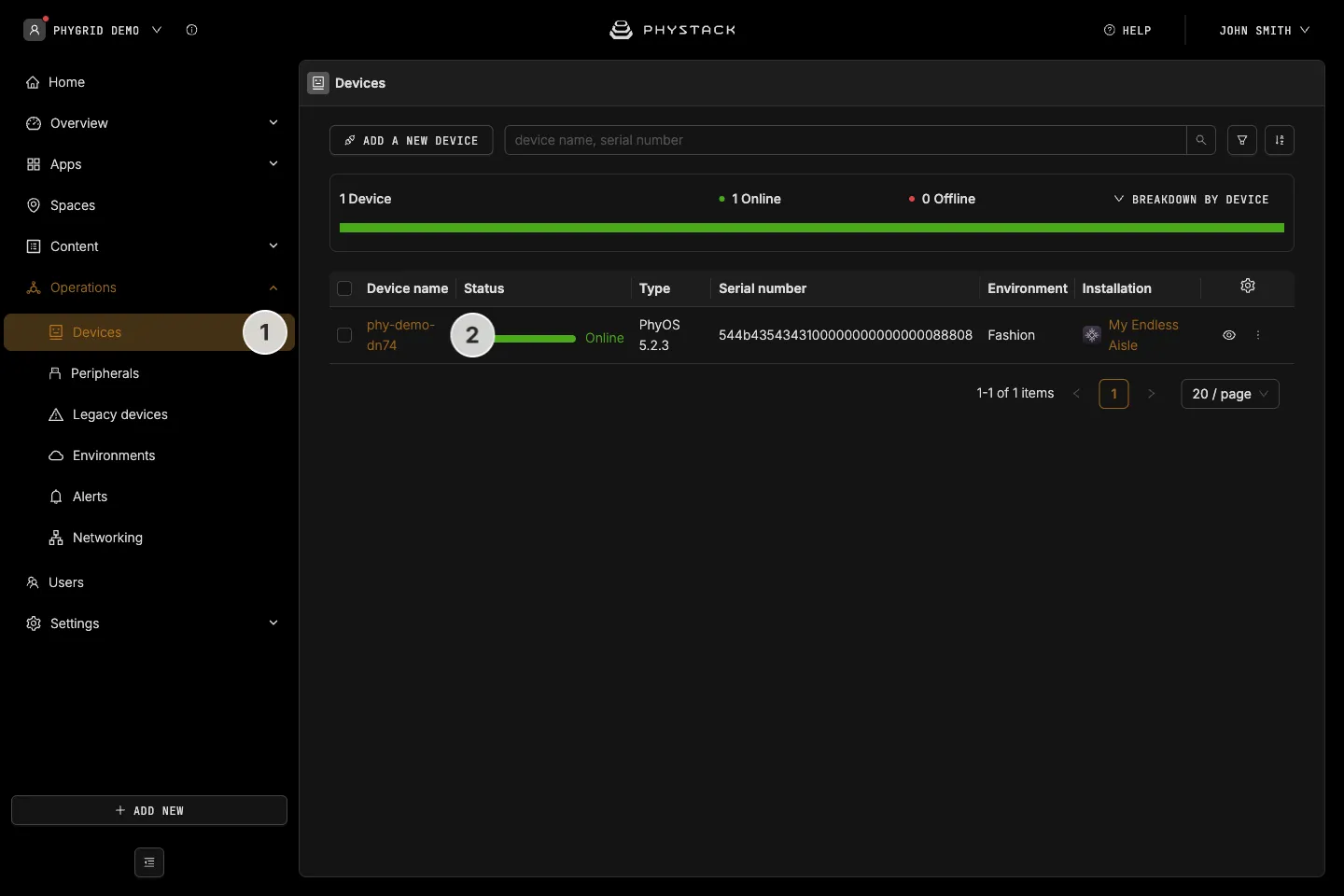
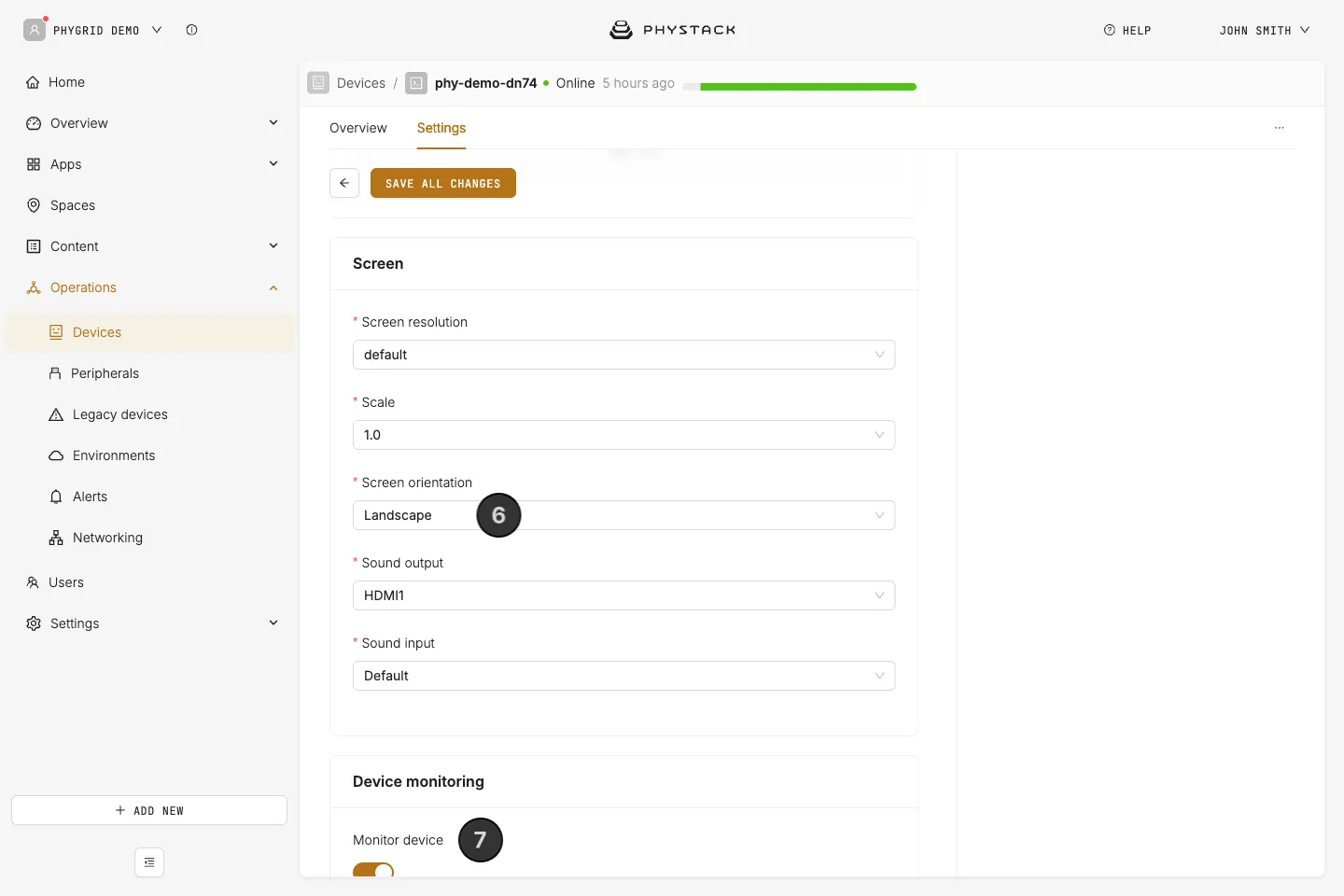
- Navigate to Operations → Devices
- Find your device and select it
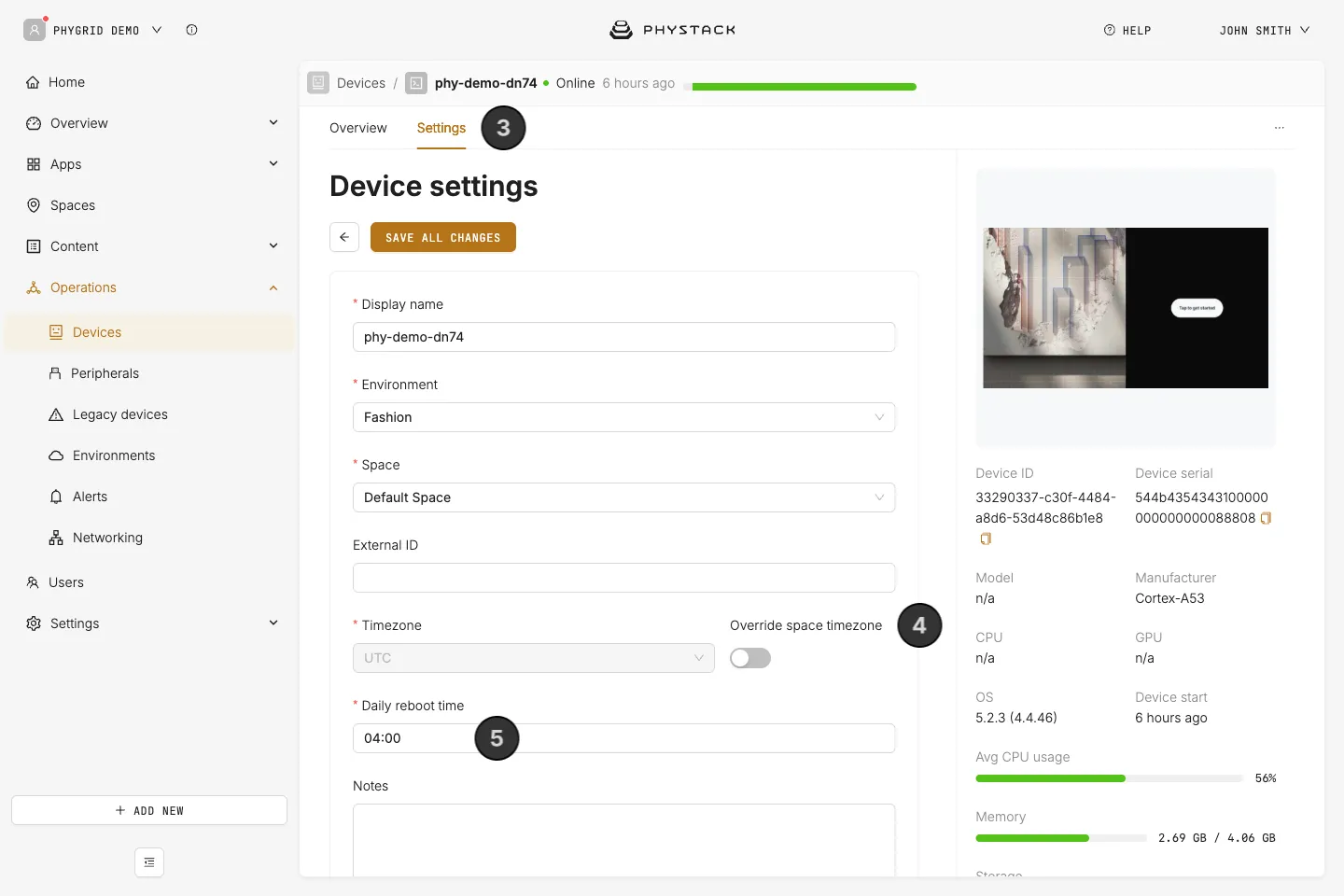
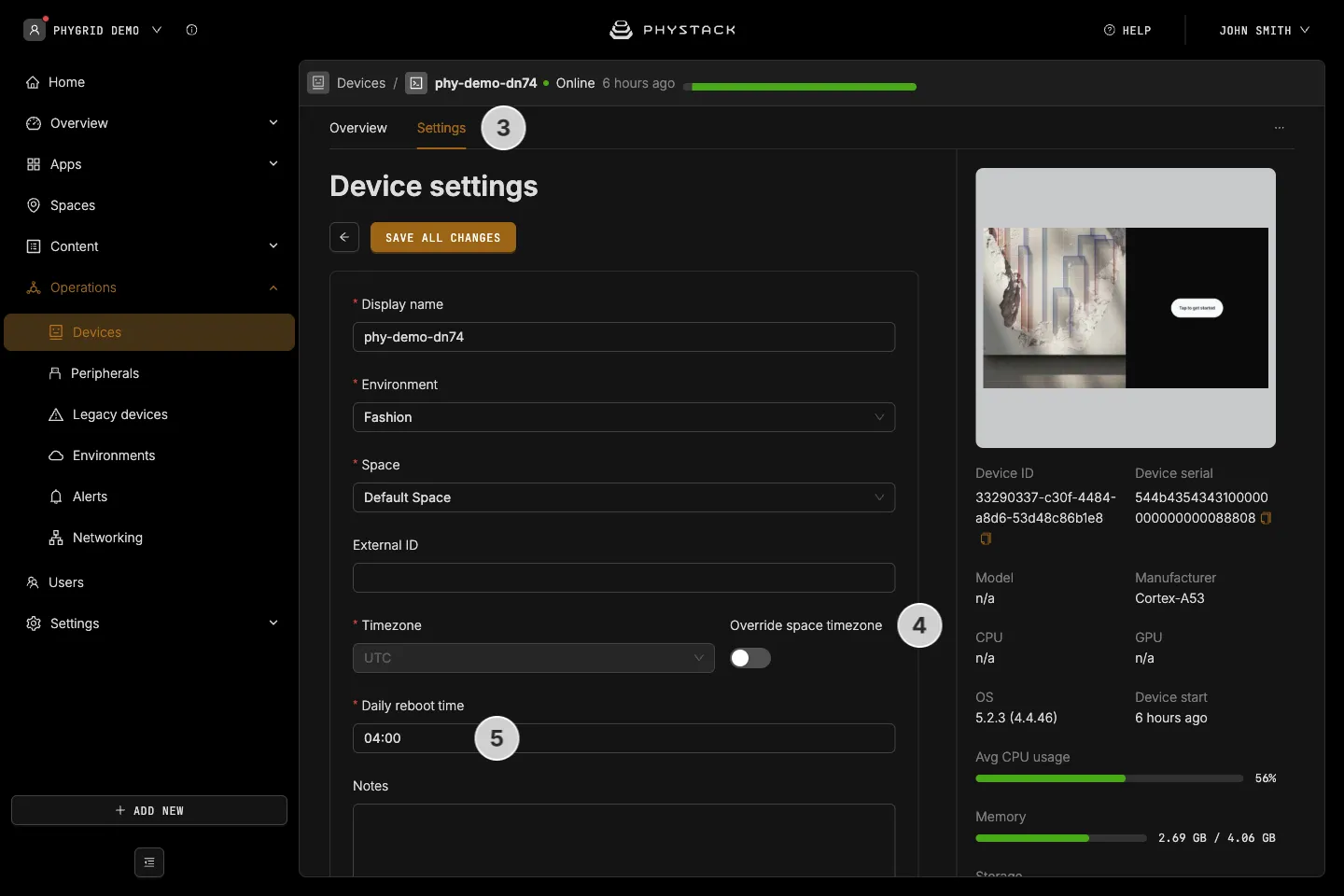
- Go to the device’s Settings tab
- The device uses its space’s timezone. To set a different Timezone, turn on Override space timezone first
- Set the daily reboot time
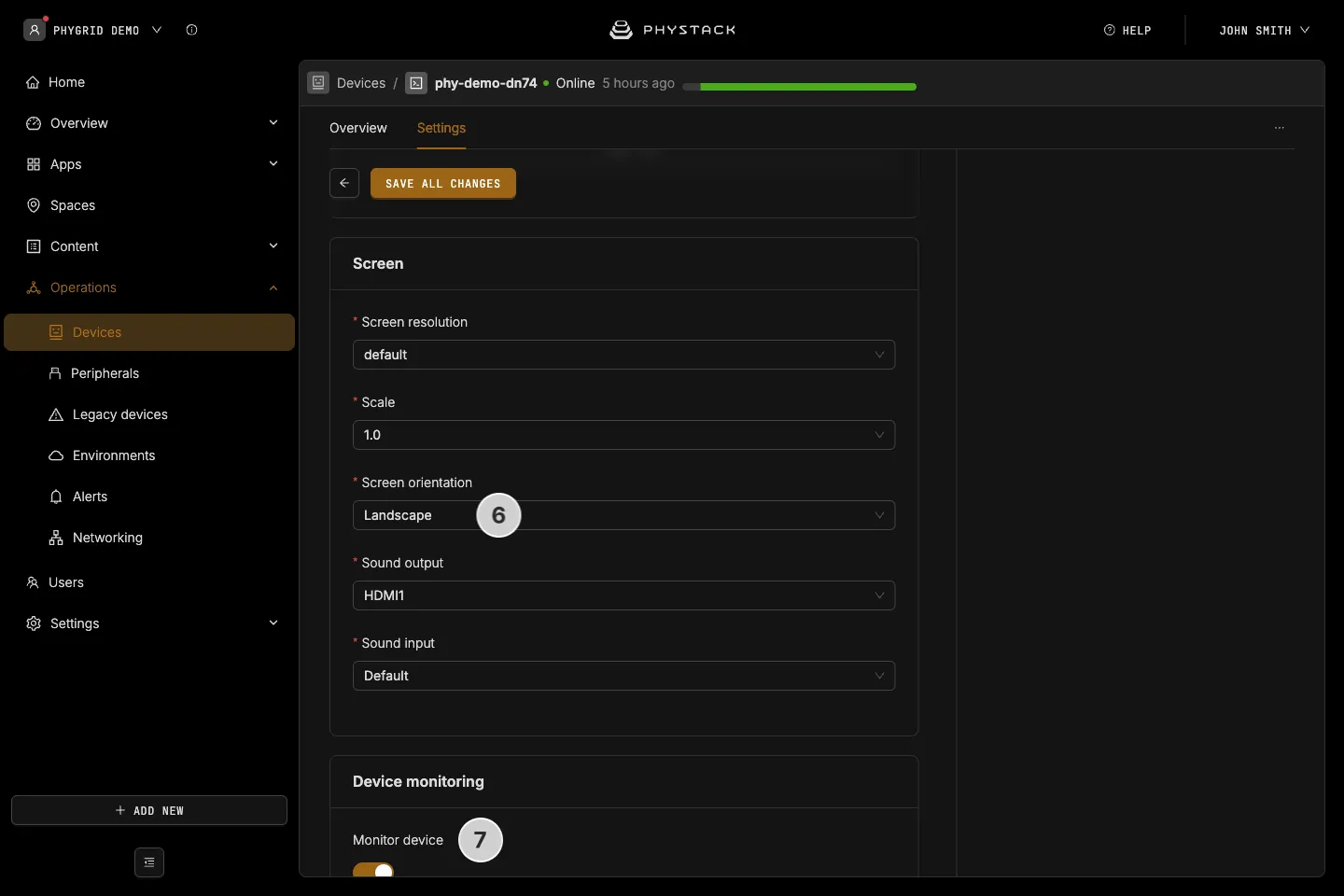
- Adjust screen settings, such as screen orientation
- Under Device monitoring, turn on Monitor device so you can set up and receive device alerts