
How to edit a product
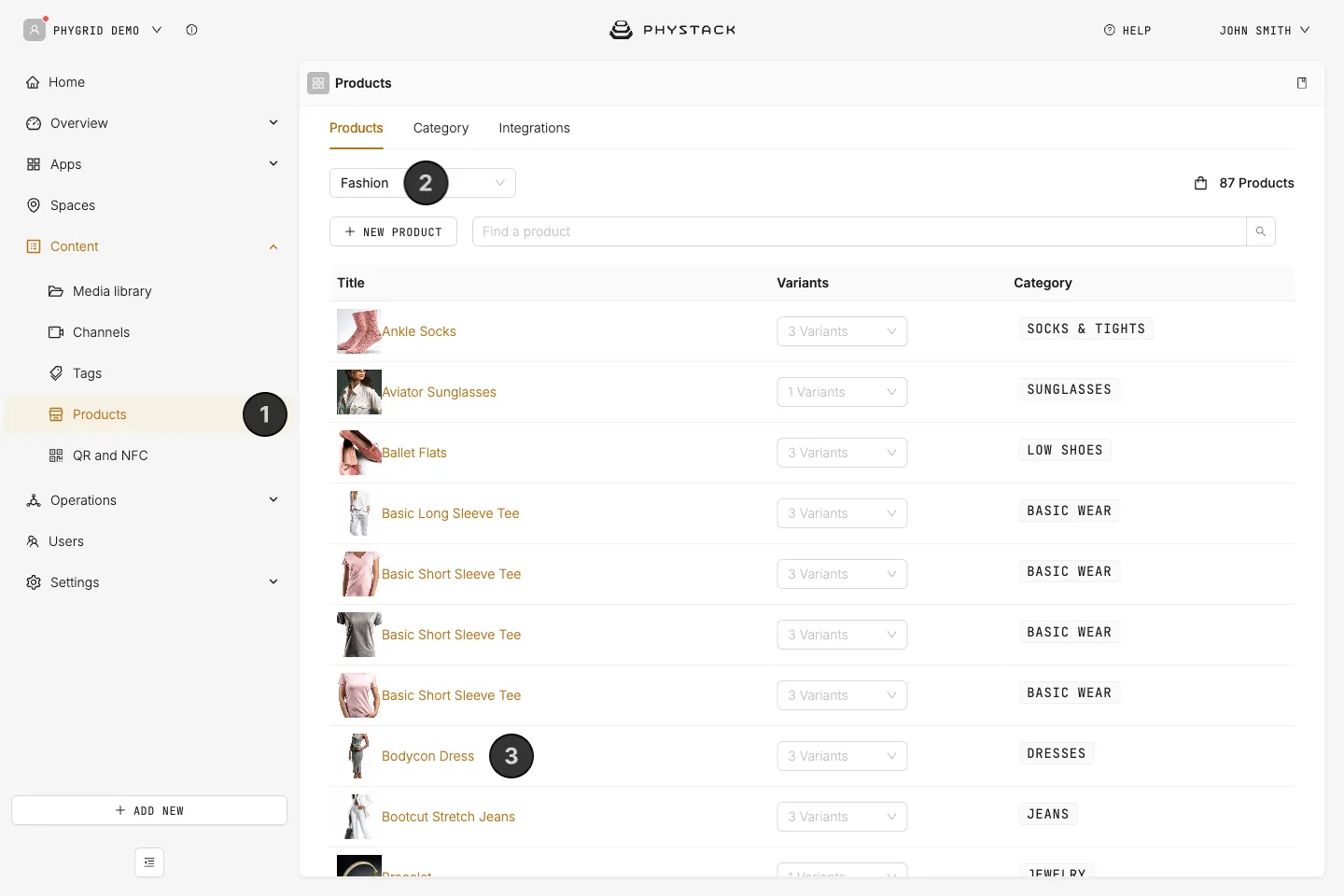
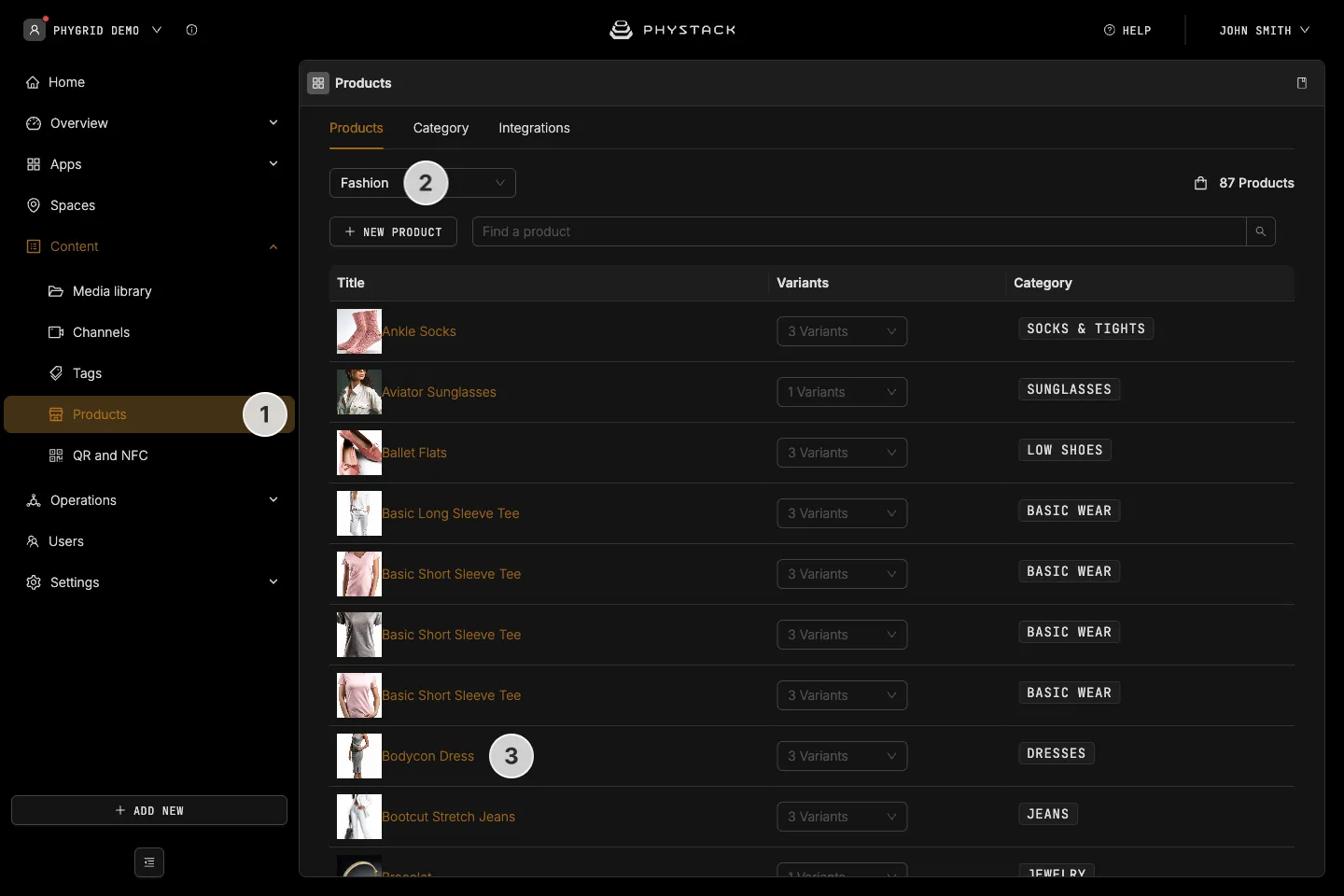
- In the PhyGrid Console, go to Content → Products
- Choose the product’s environment from the list at the top
- Search with Find a product, then click the product’s title
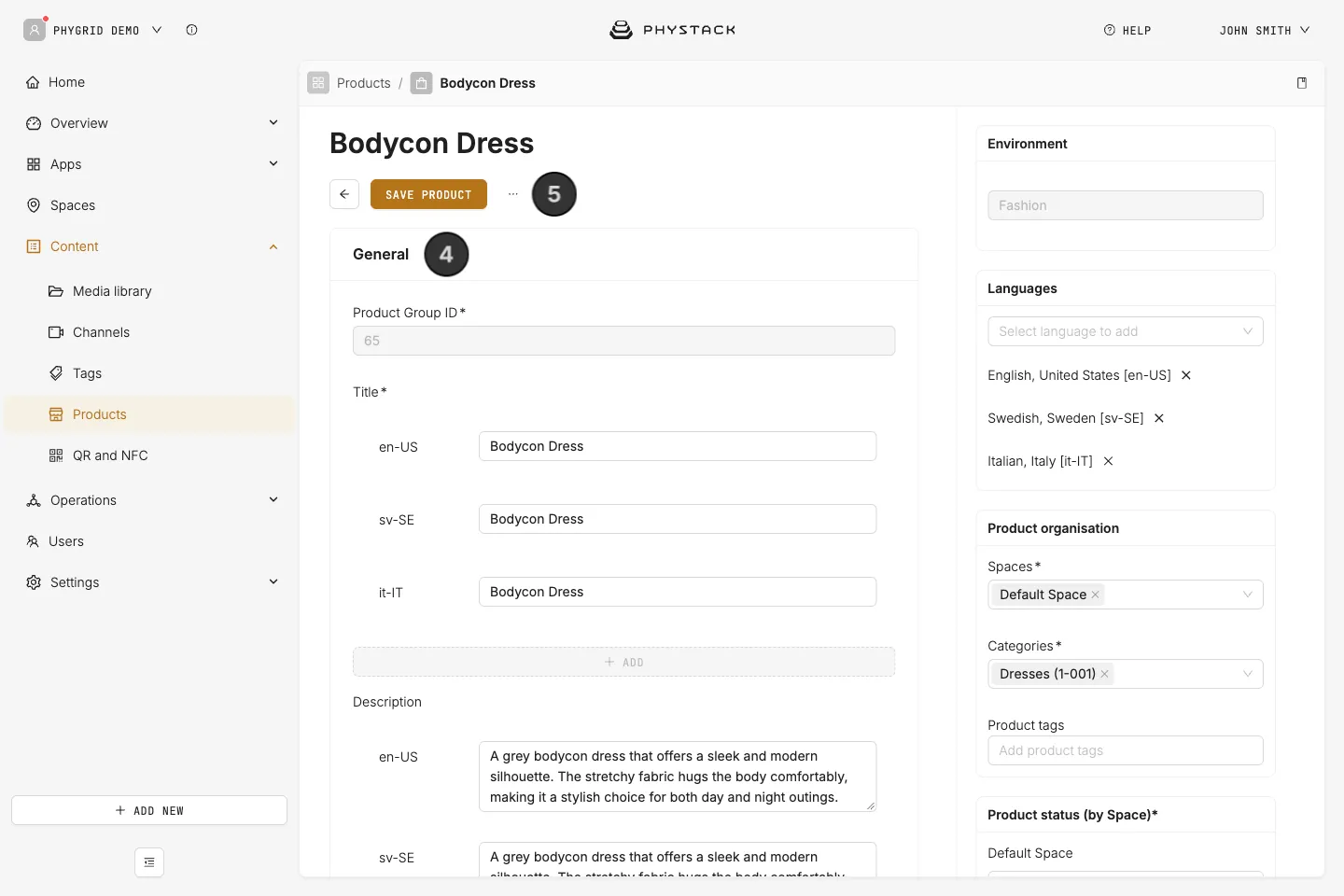
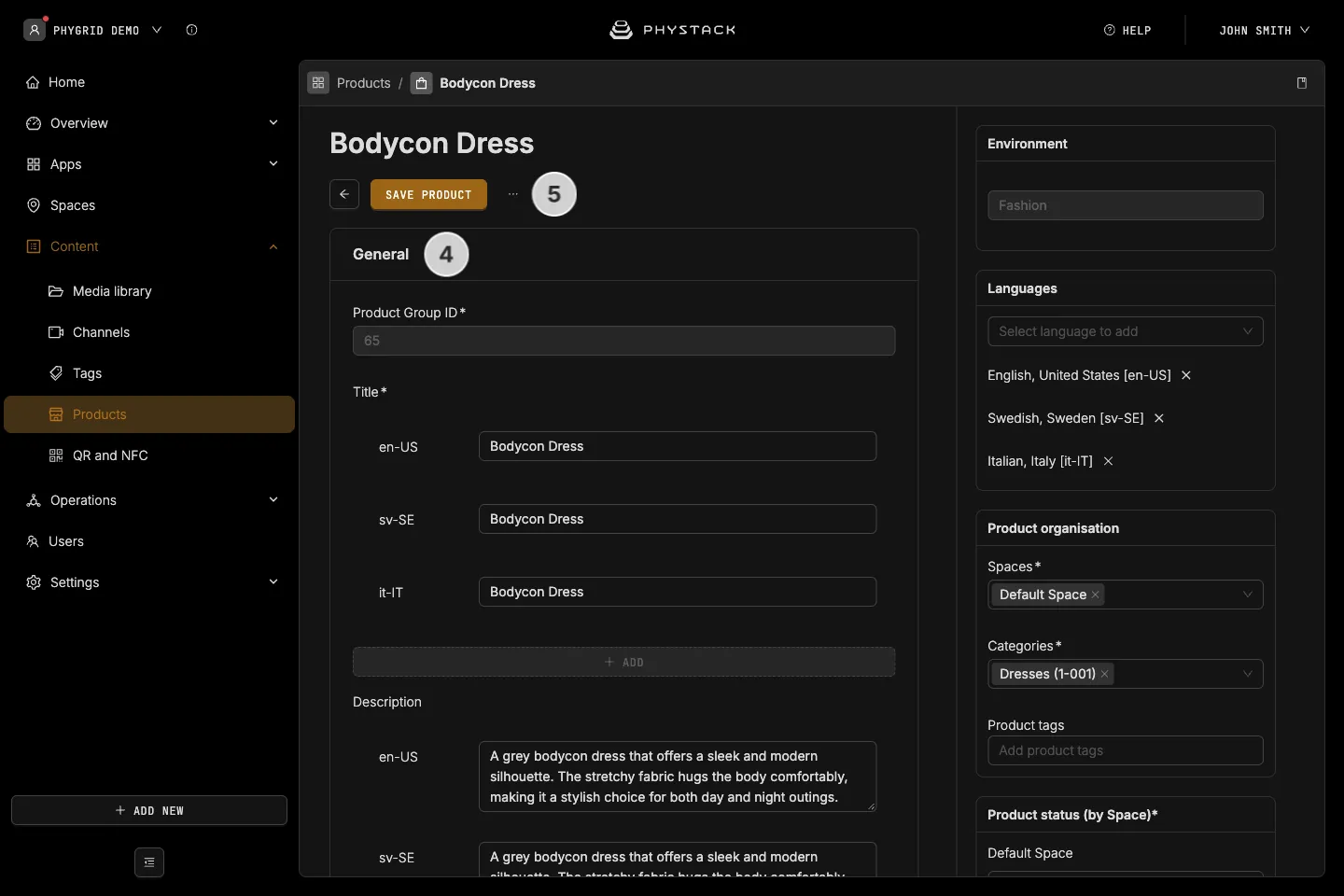
- Change the details. The fields are the same as in Create a product, except Environment, which can’t be changed
- Click Save product
How to delete a product
- Open the product as in How to edit a product
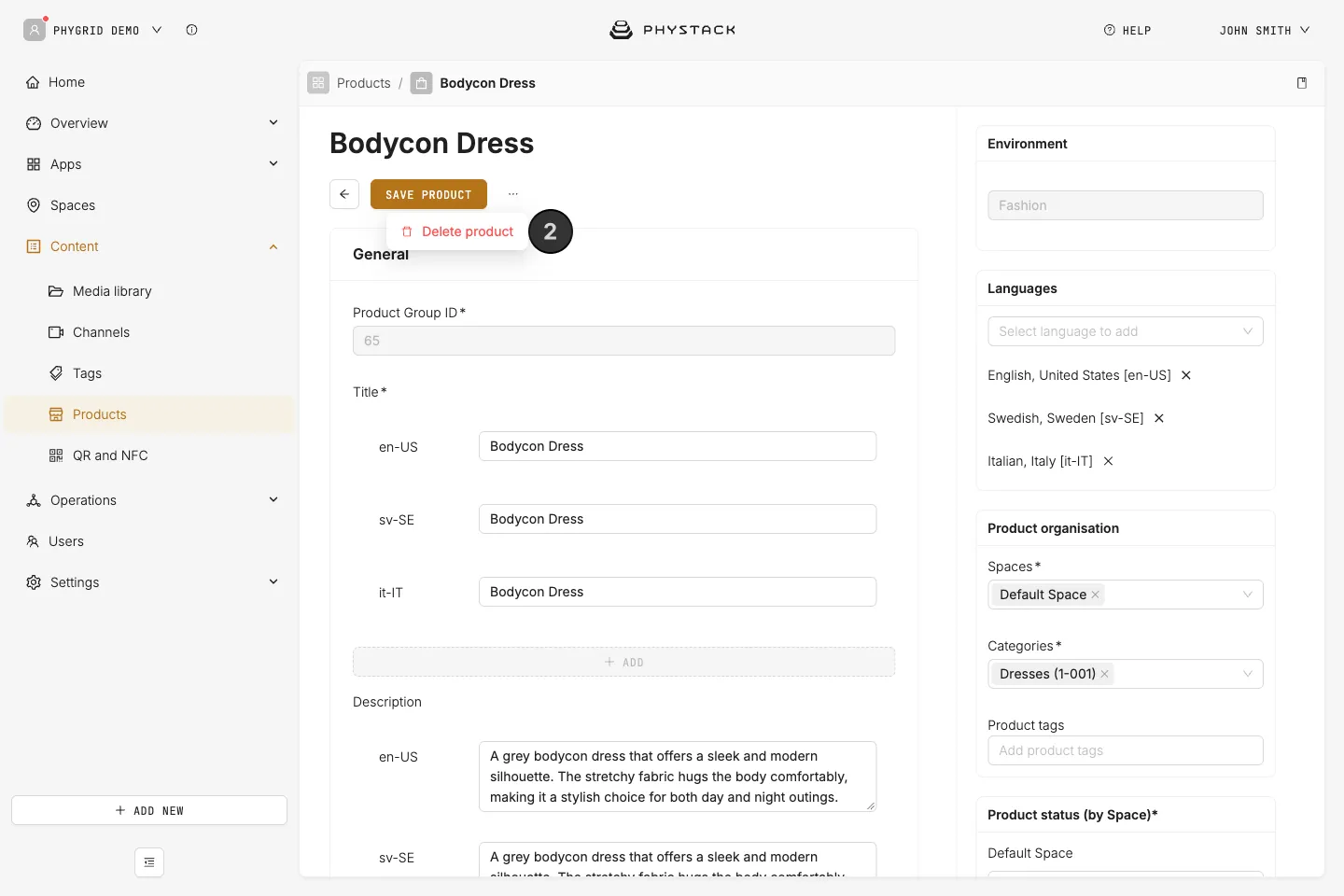
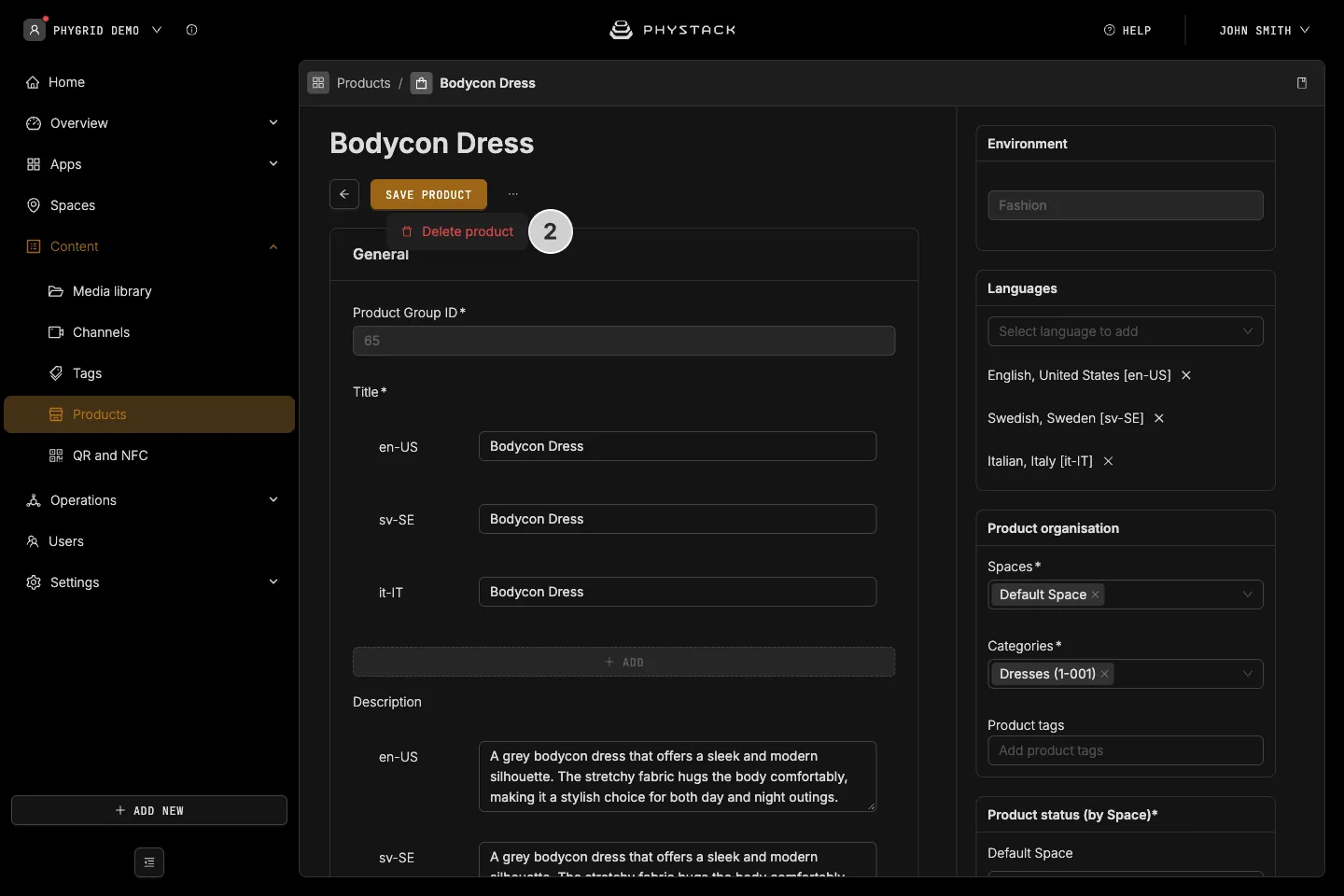
- Click the ⋯ menu next to Save product and choose Delete product
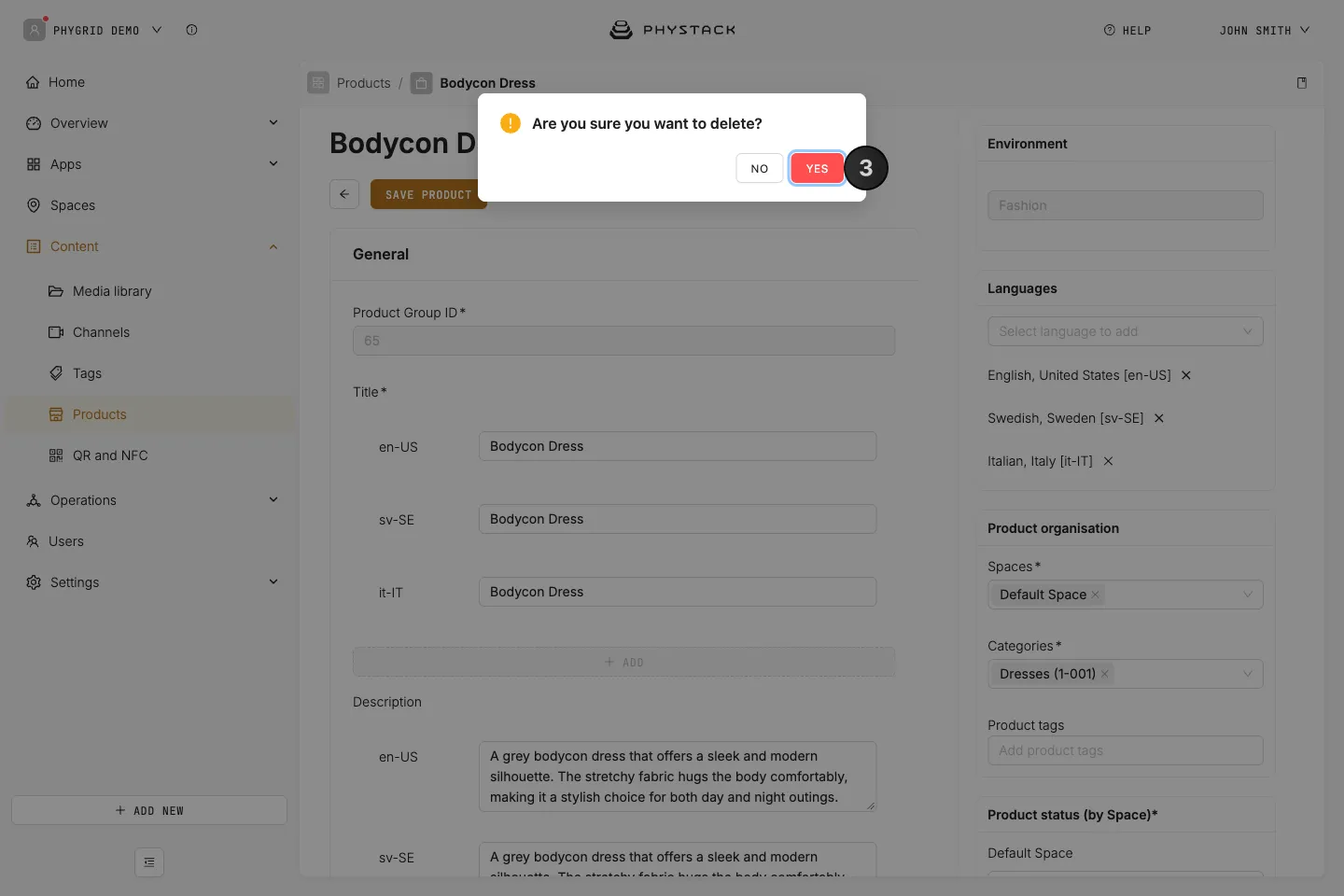
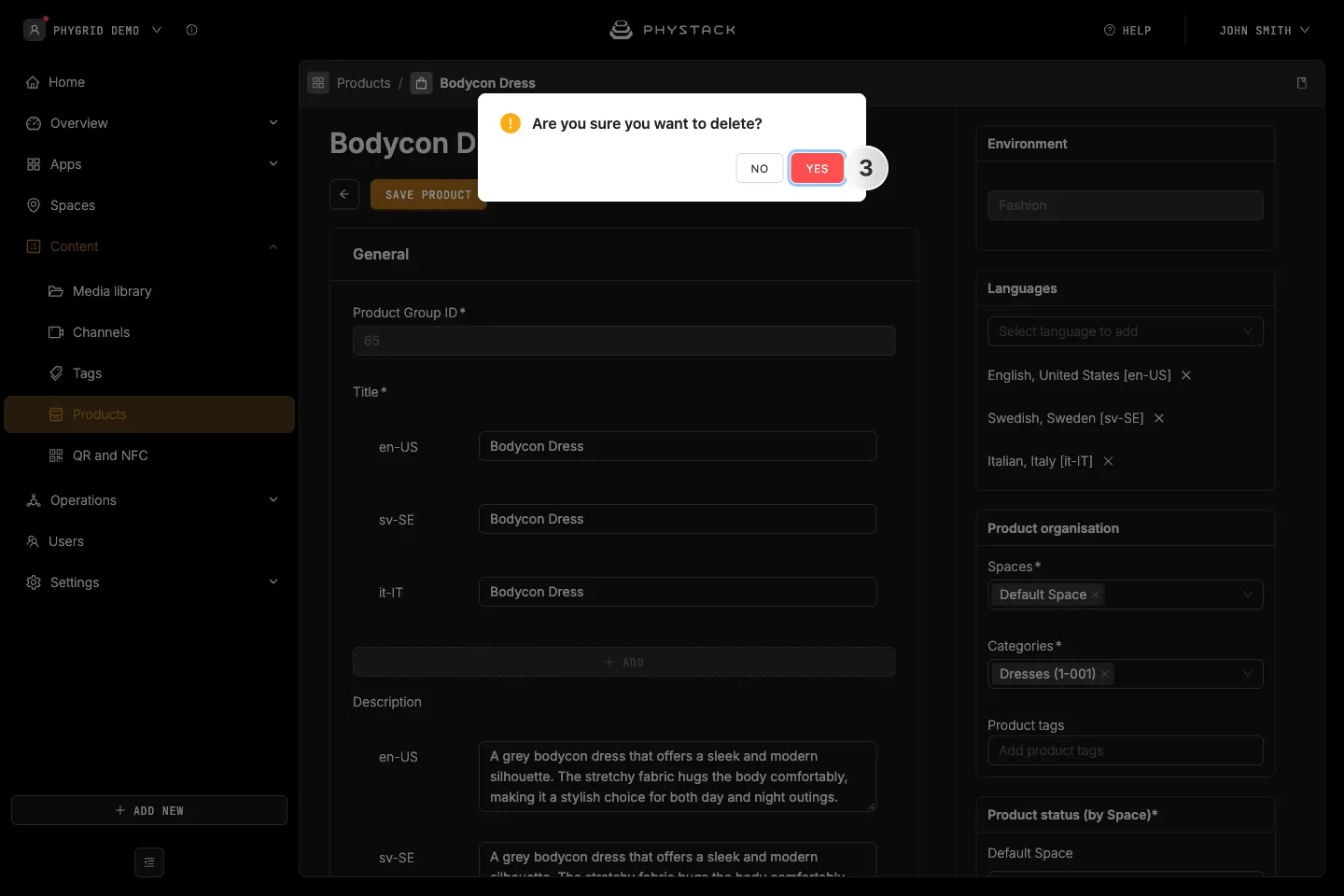
- Click Yes to confirm
The product is deleted from every space. To take it off one space only, remove that space under Spaces instead.