
How to install Nexmosphere peripheral edge app
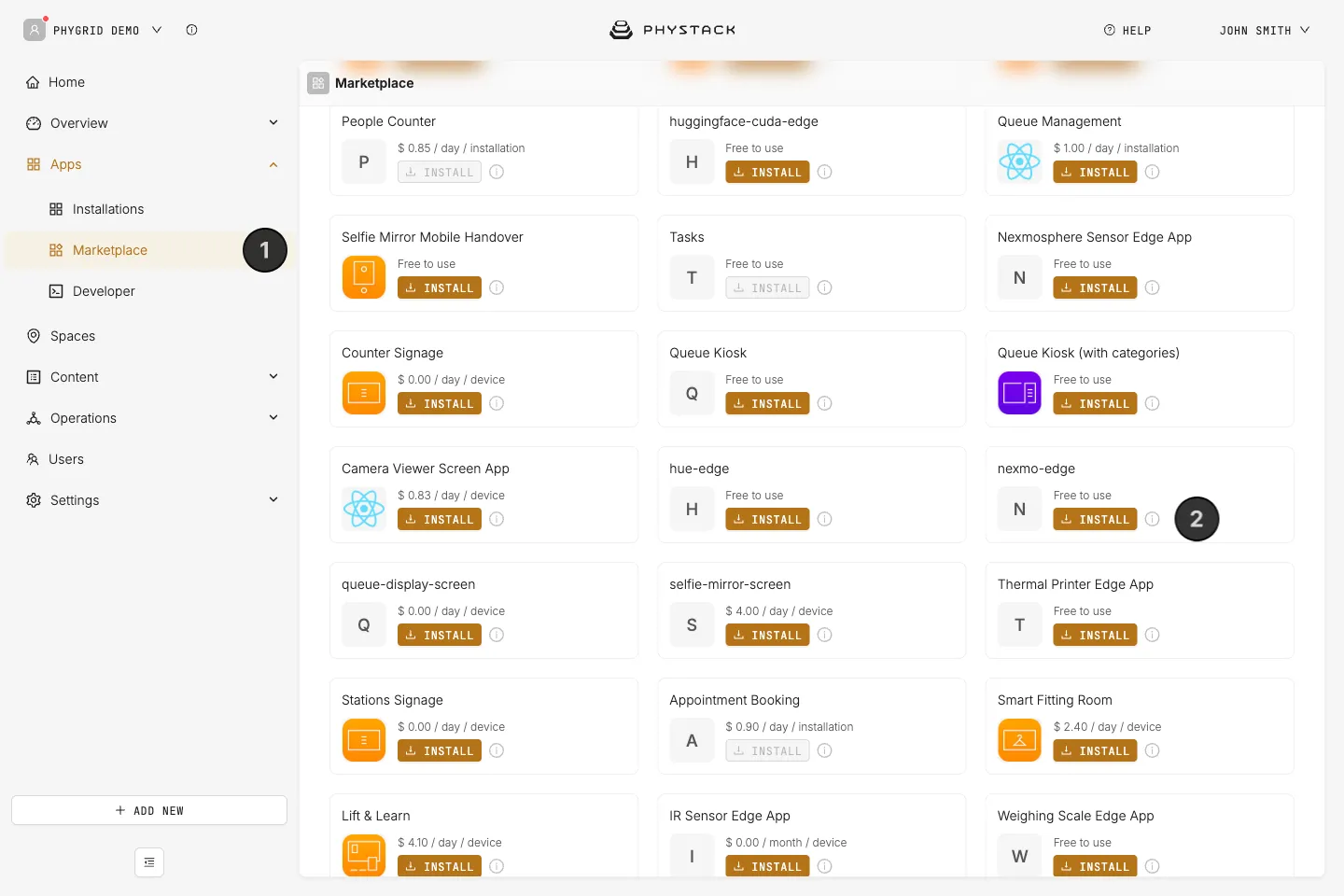
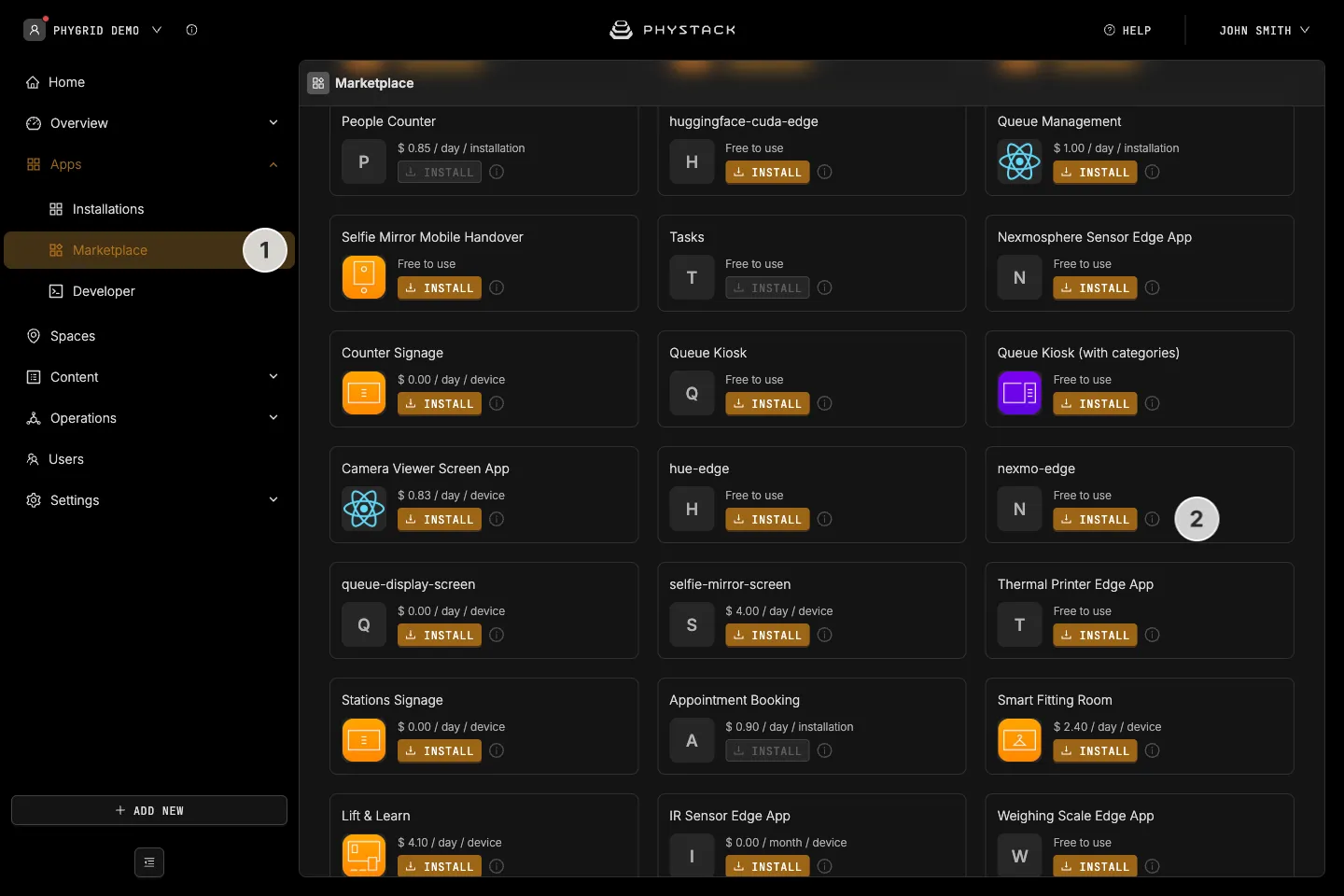
- In the sidebar, navigate to Apps → Marketplace
- Look for nexmo-edge, published by PhyGrid, in the list of applications and click on the Install button to open the installation dialog
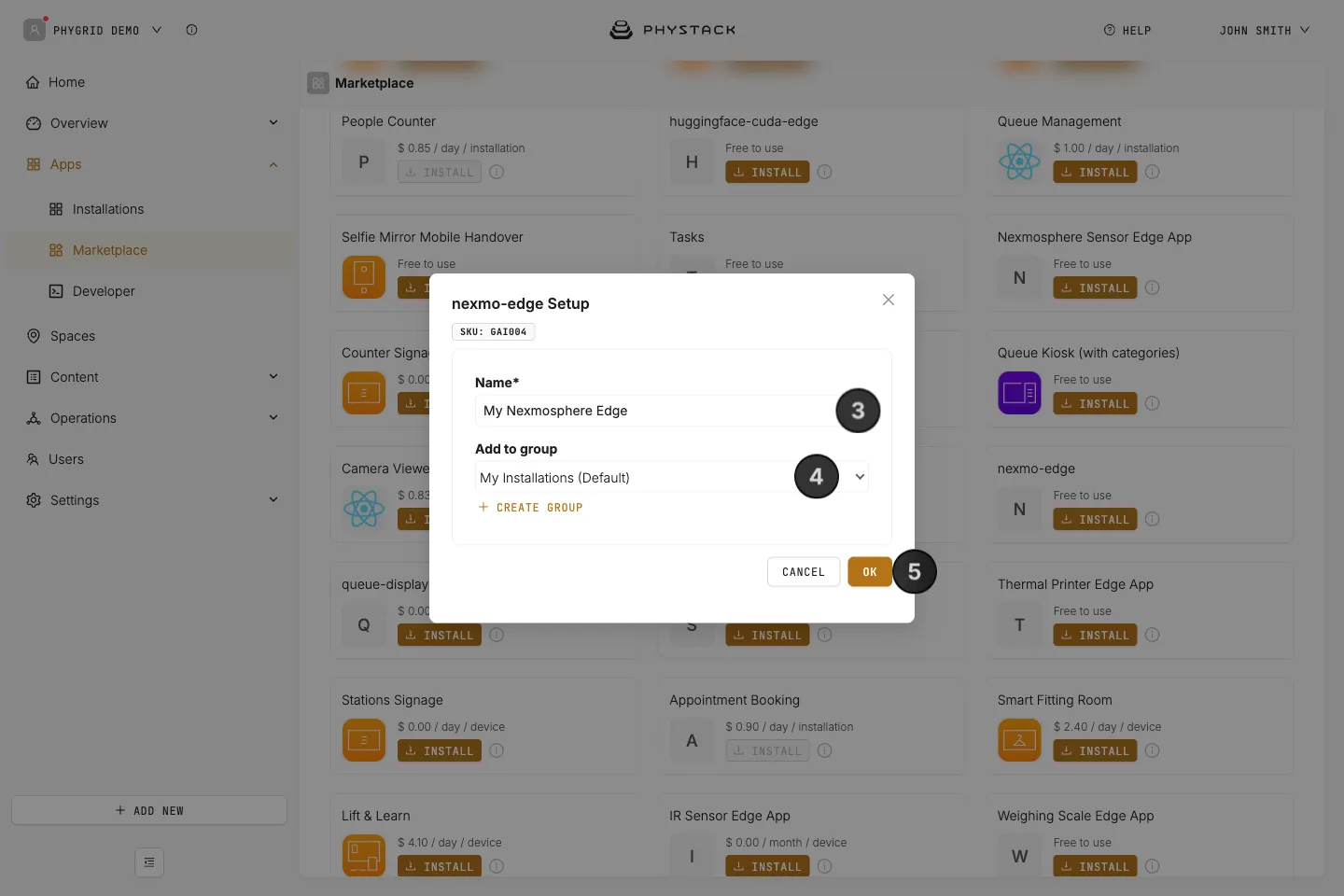
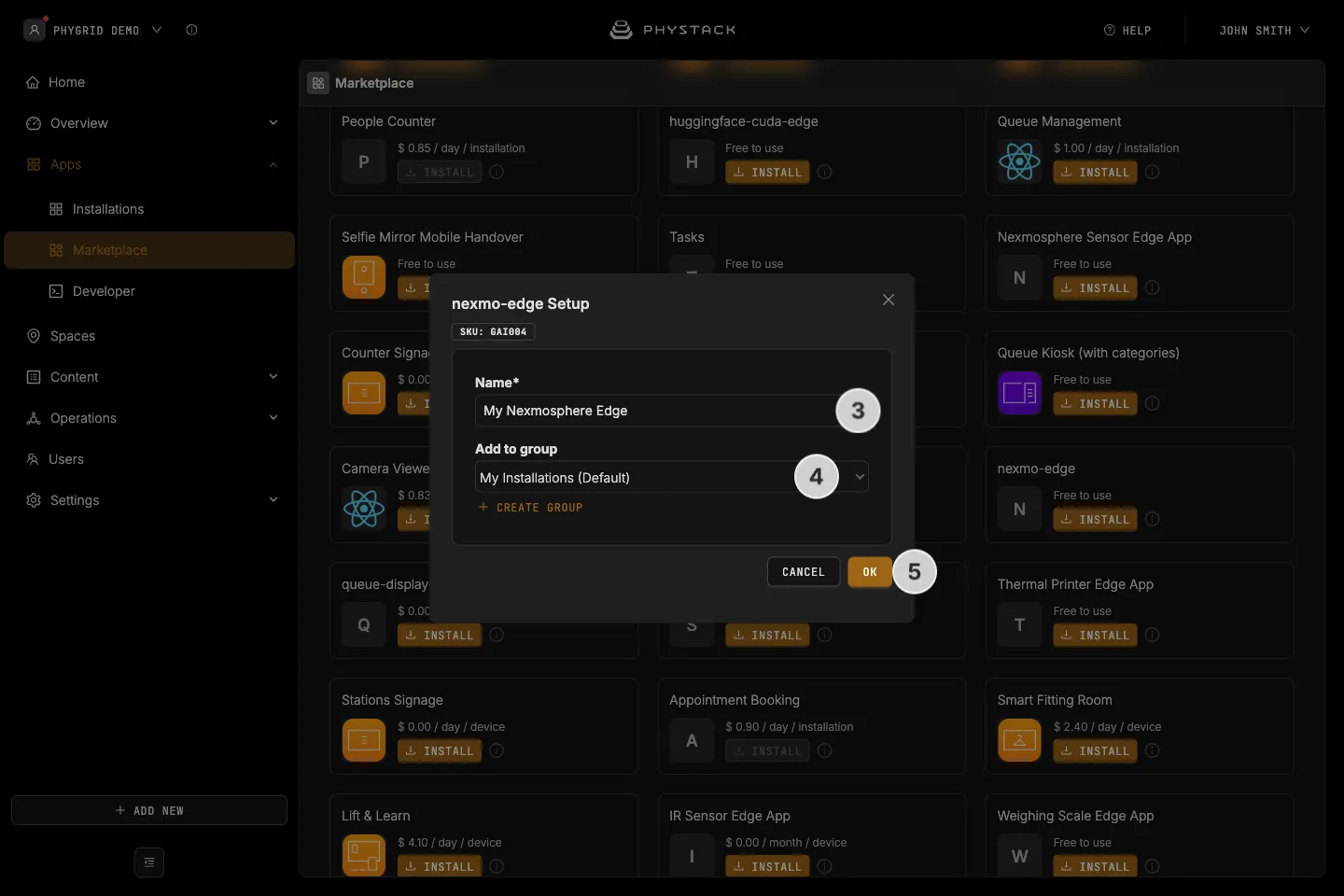
- In the installation form, enter a Name for your installation
- Optionally, pick a group under Add to group to organise your installations
- Click OK to create the Nexmosphere peripheral installation
How to verify the installation
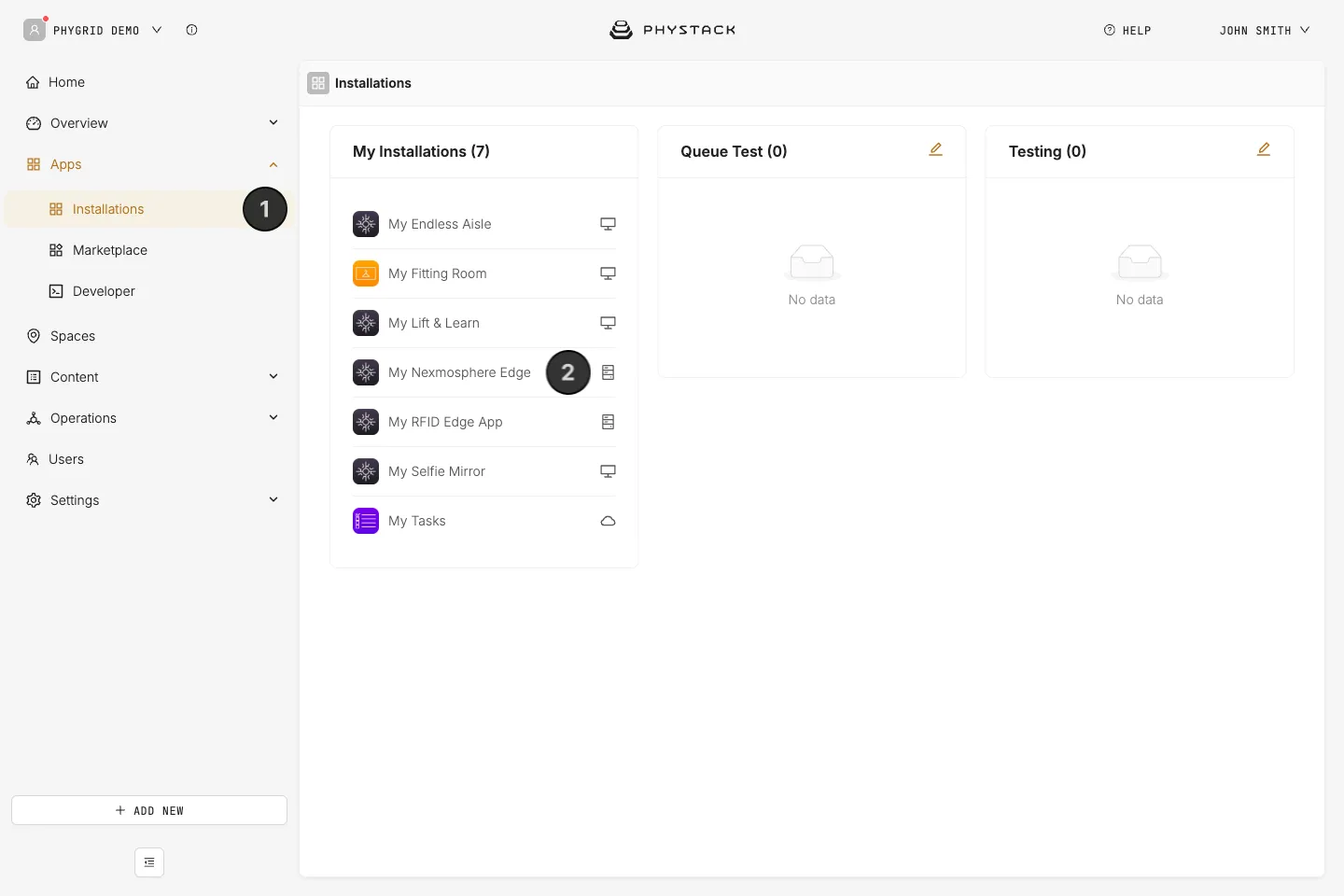
- Your new installation will be available in the sidebar under Apps → Installations
- Open the installation to connect it to the device
How to connect Nexmosphere edge app to a device
Connect the Nexmosphere edge app to the same PhyGrid device that the Nexmosphere controller is plugged into, which is also the device that runs Lift & Learn. The edge app has no settings to configure beyond its name:
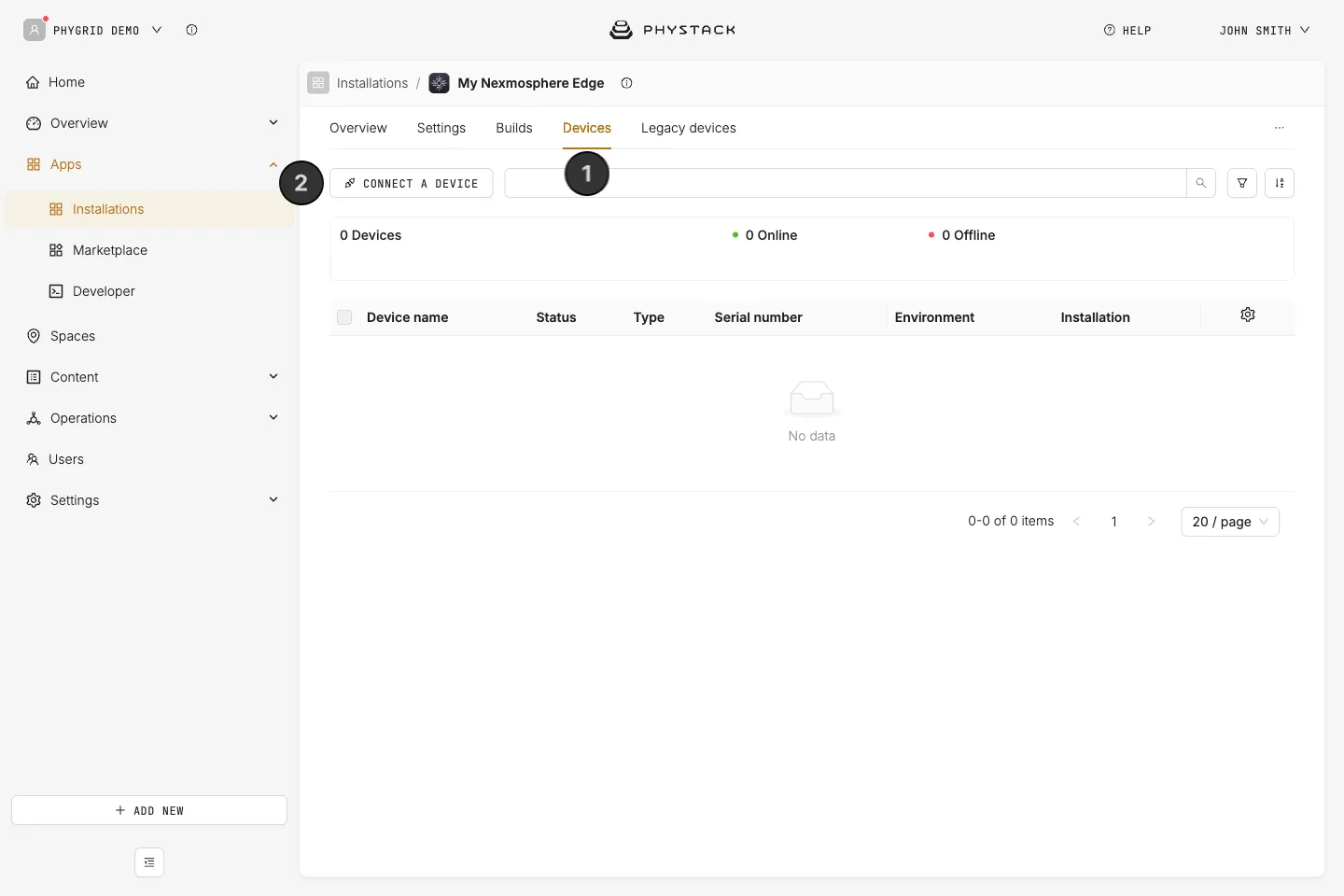
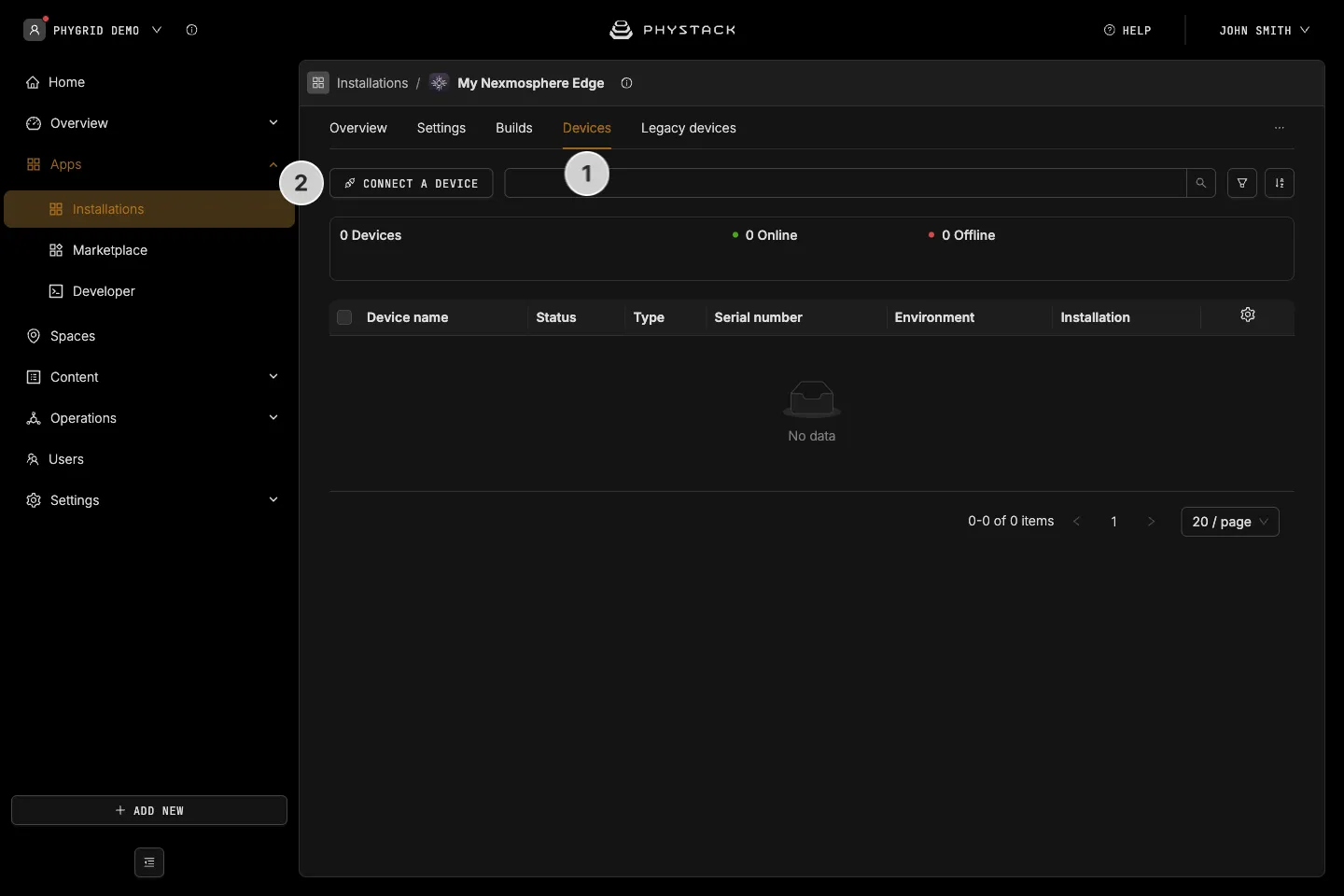
- Go to the Devices tab in the Nexmosphere edge app
- Click on Connect a device
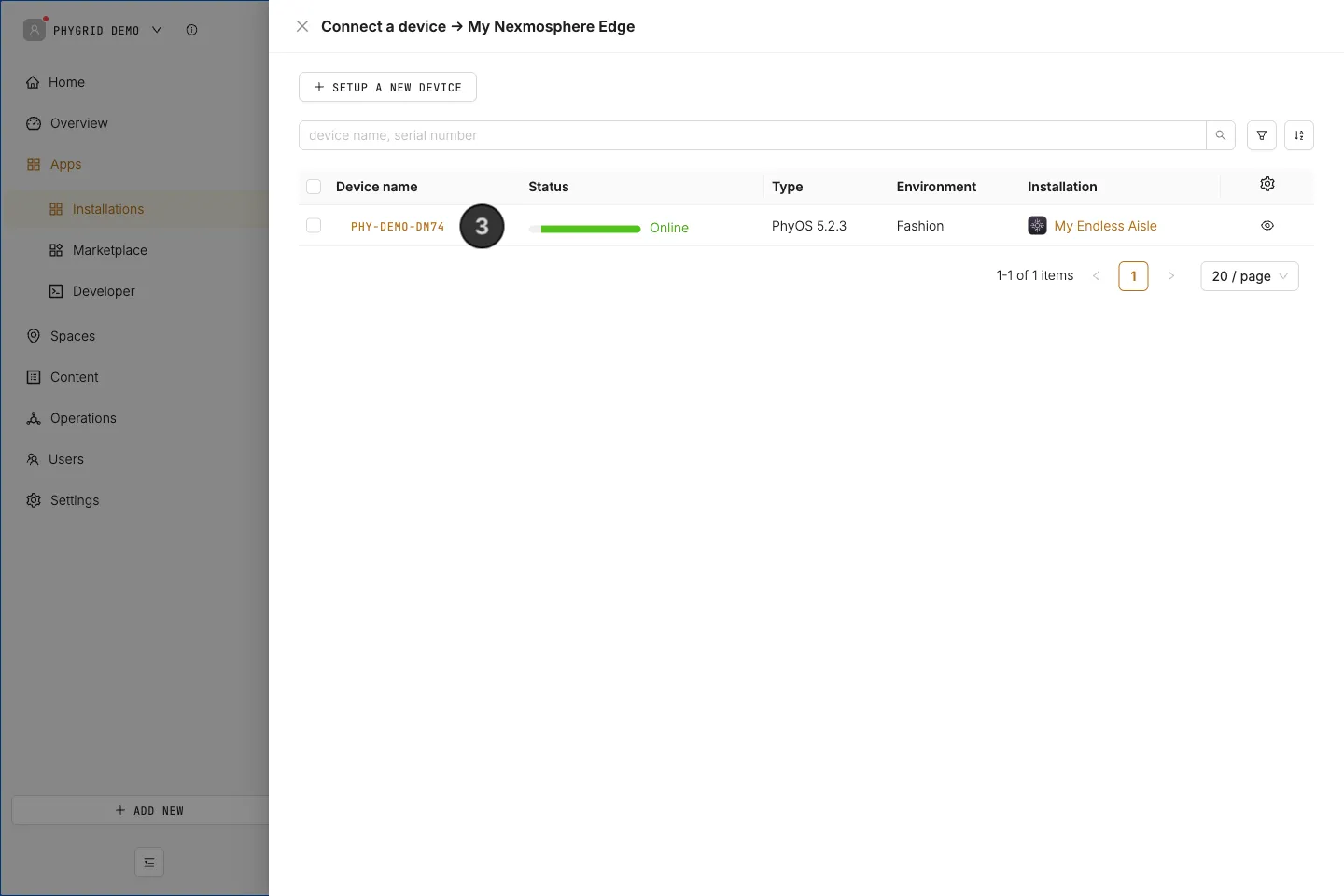
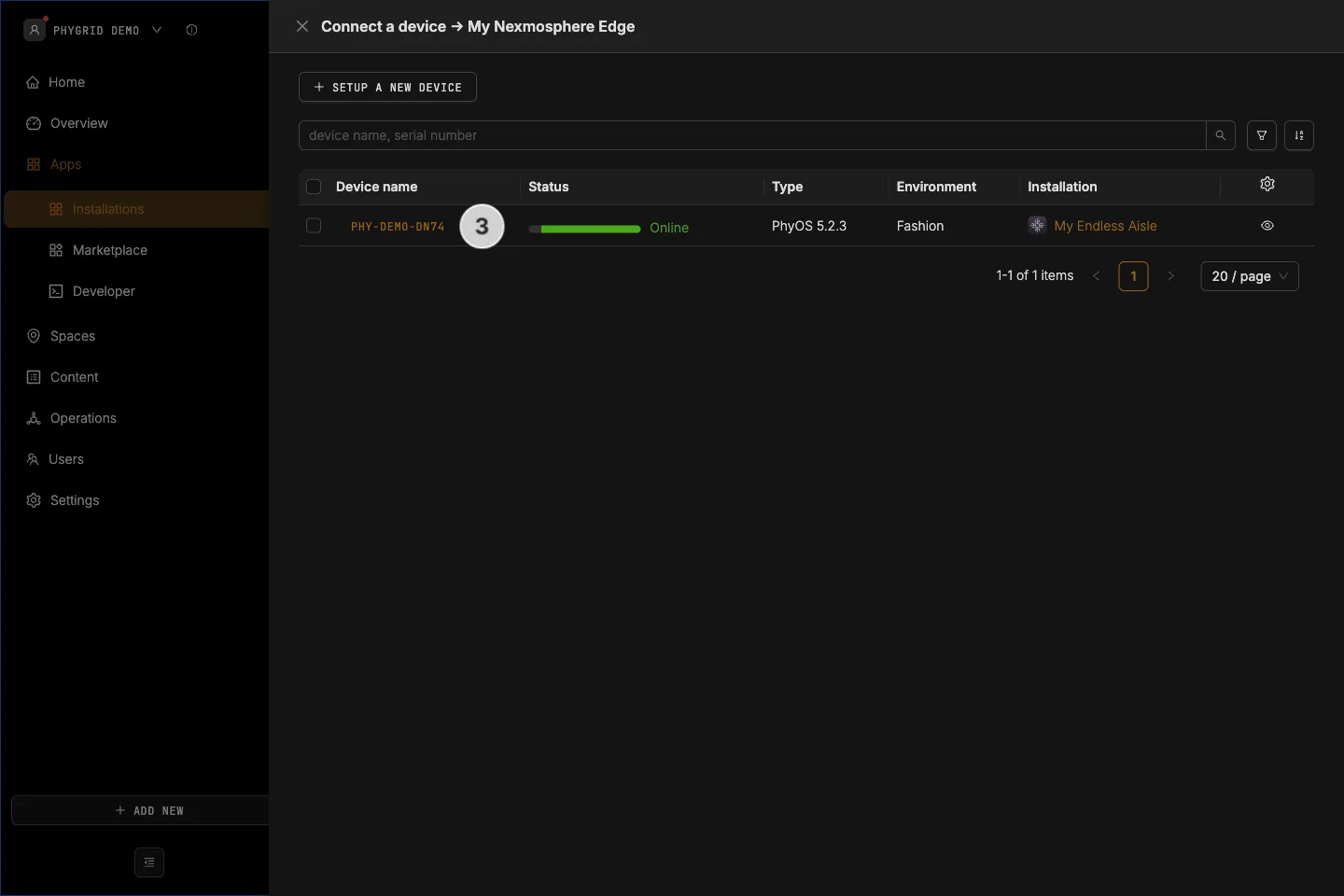
- Select the device and confirm that you want to connect it to the peripheral edge app. The confirmation warns that the screen content will change, but Lift & Learn stays on the device: the edge app runs next to it
- Nexmo edge app is now connected to the device and the sensor will be available as a peripheral for this device