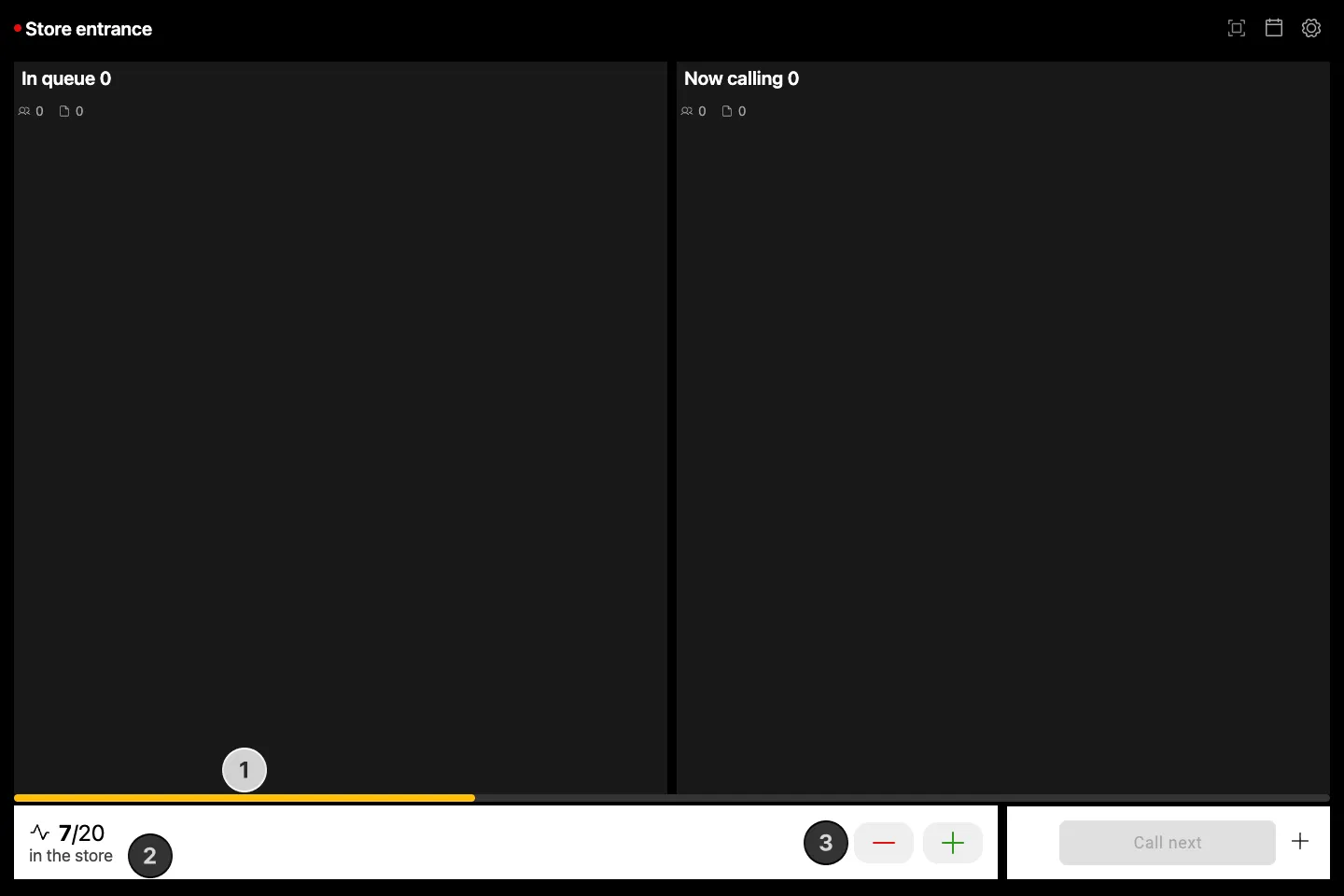

Occupancy Control variant of the Queue Manager adds occupancy level previews and controls. For simple people counting and visitor flow control, these options are also stripped out and form the standalone Occupancy Manager app. All of the usual queue management features are shared with the base app.
How to access Queue Manager with occupancy control support
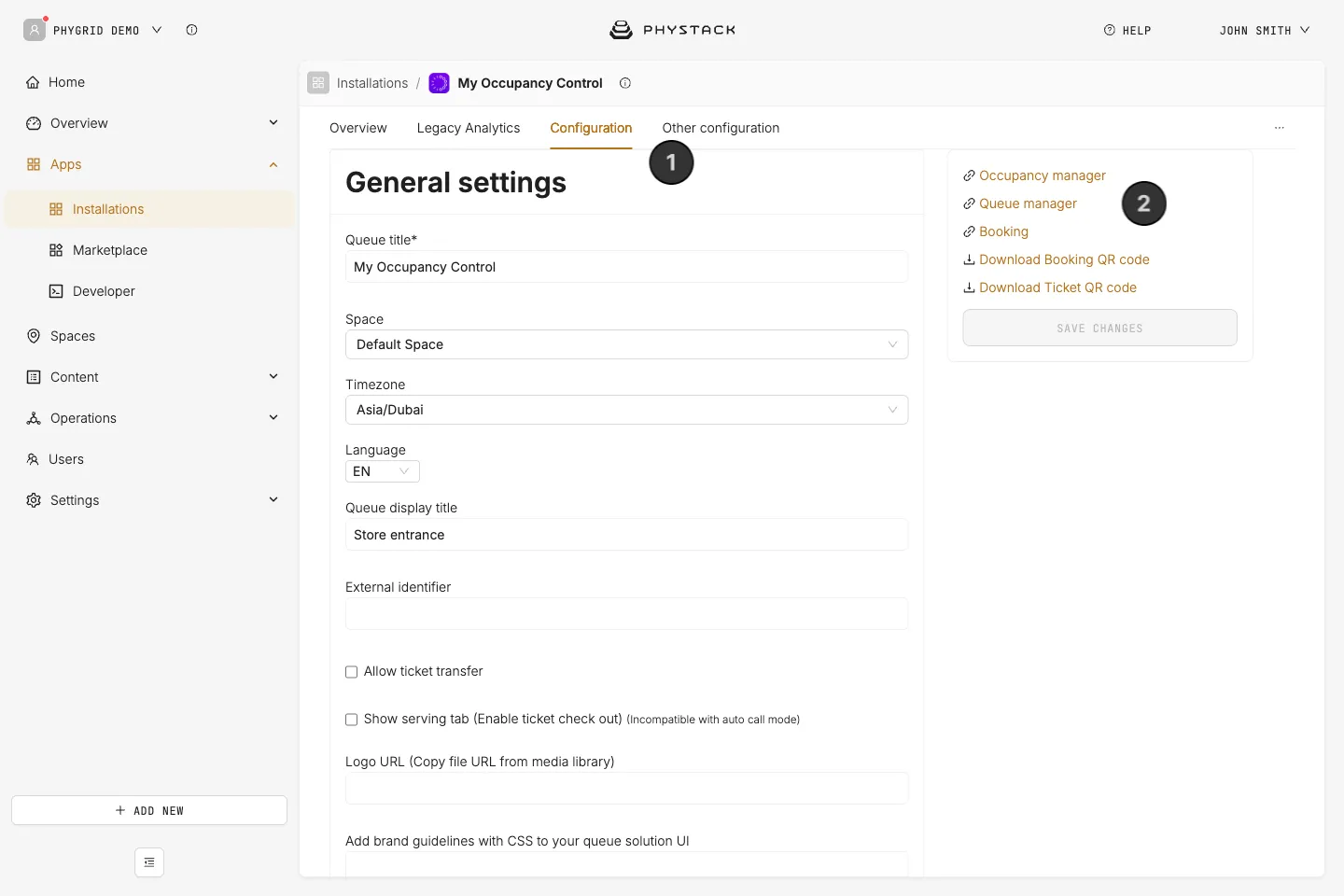
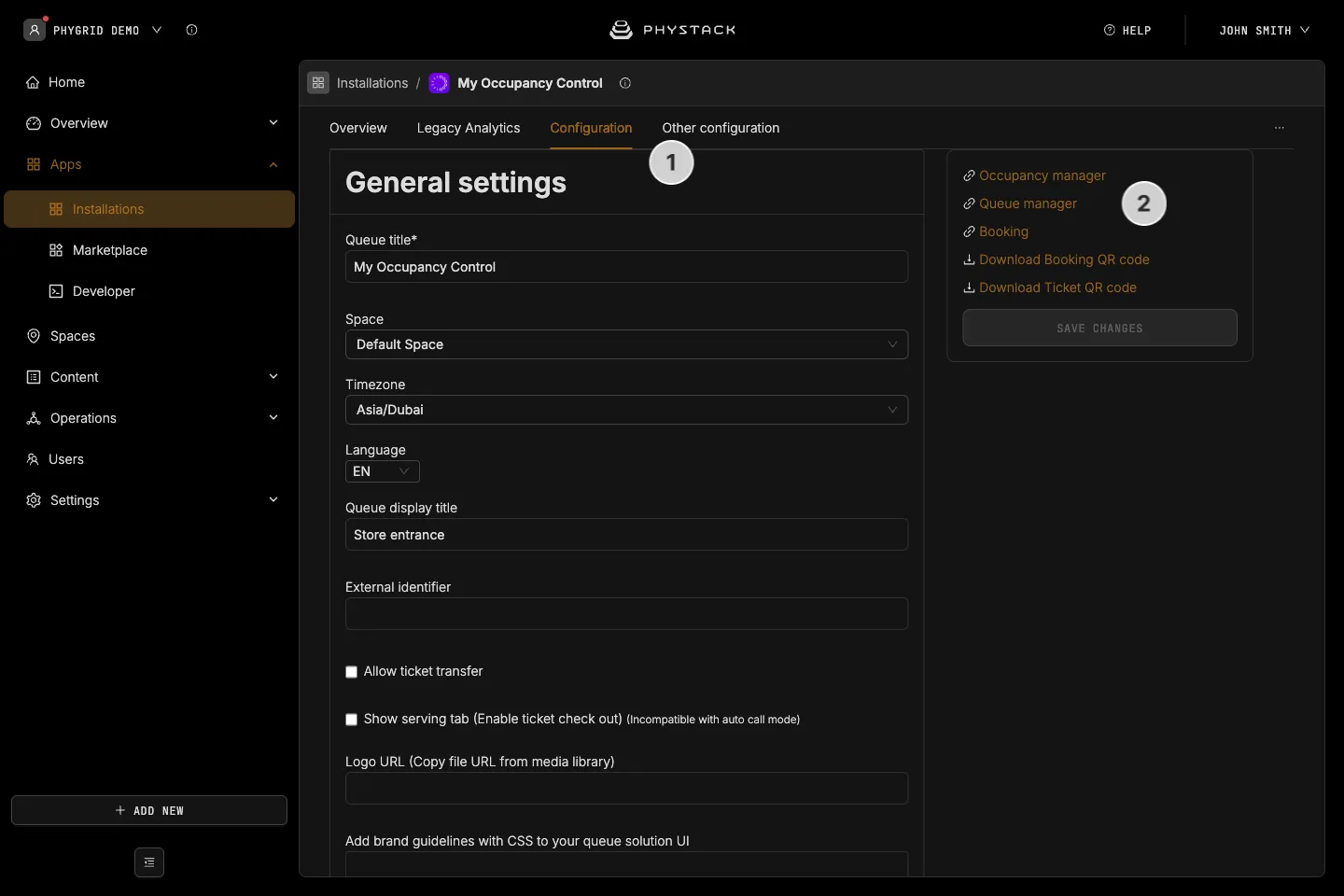
- In the Console, open your Occupancy Control installation and go to the Configuration tab
- Copy the link for Queue manager from the right-hand panel and share it with staff responsible for queue management and visitor flow
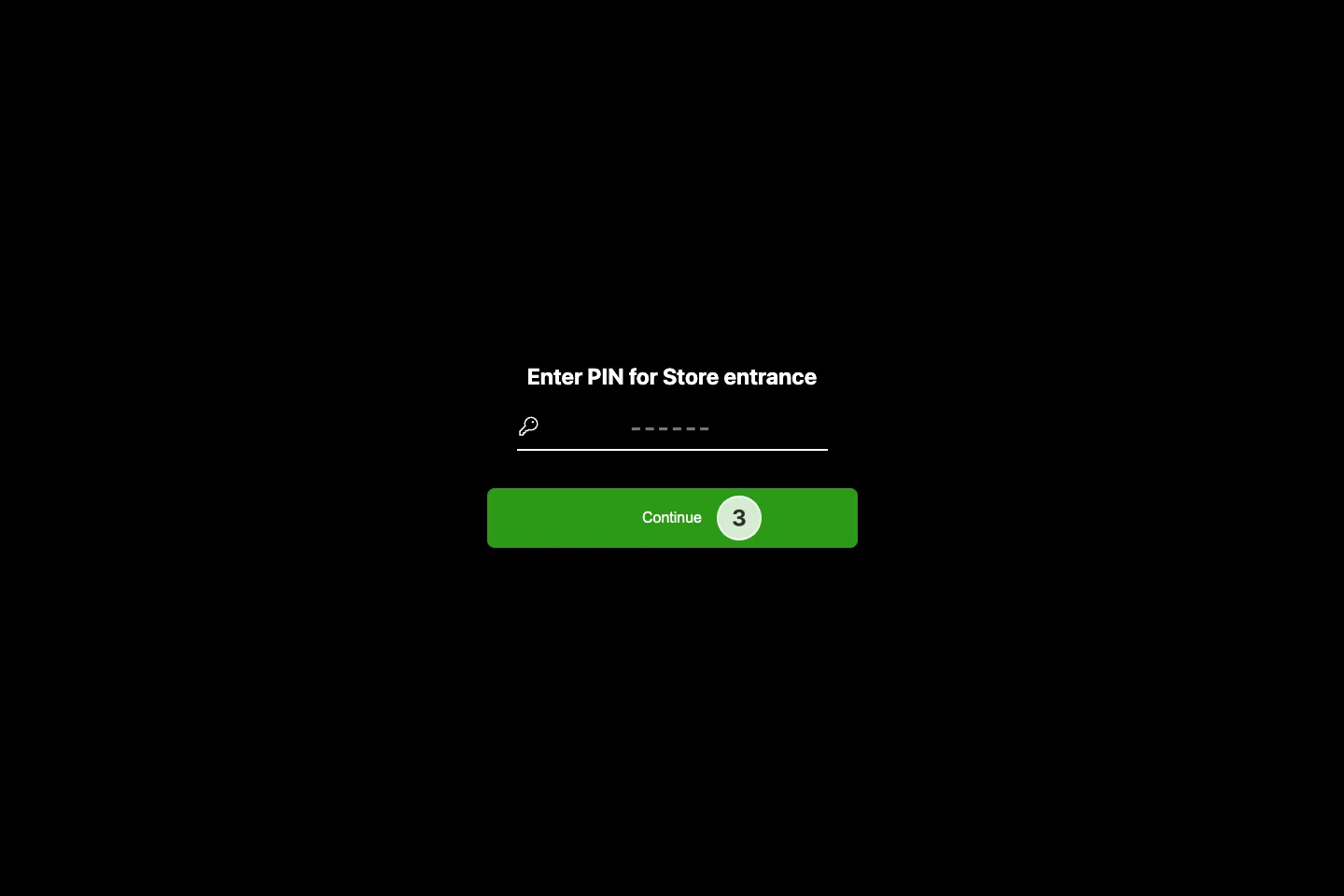
- Depending on the configured login method, you might also need to share the access pin number
- On the staff side, open the link you just received, and enter the pin or log in using your email
How to view and edit occupancy levels using the Queue Manager
- A visual indicator will quickly provide you the occupancy level status
- Additional details are available in the bottom bar
- Press the plus and minus buttons to add or remove visitors and adjust occupancy levels
- These values usually come from Xovis sensors, but manual counting is an option. For a simplified app that gives you a simple interface for people counting, check the Occupancy Manager