Install Smart Fitting Room
How to install Smart Fitting Room
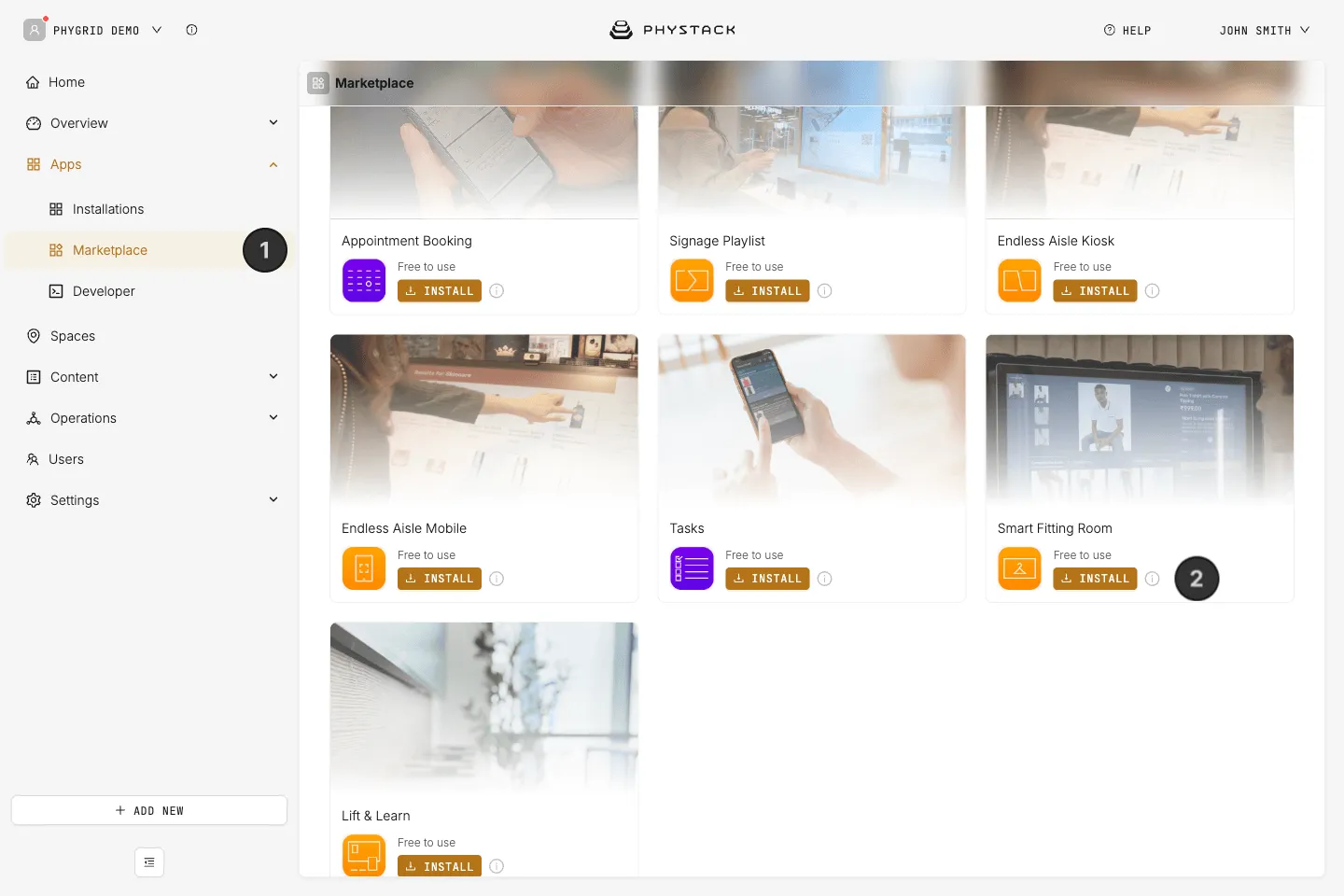
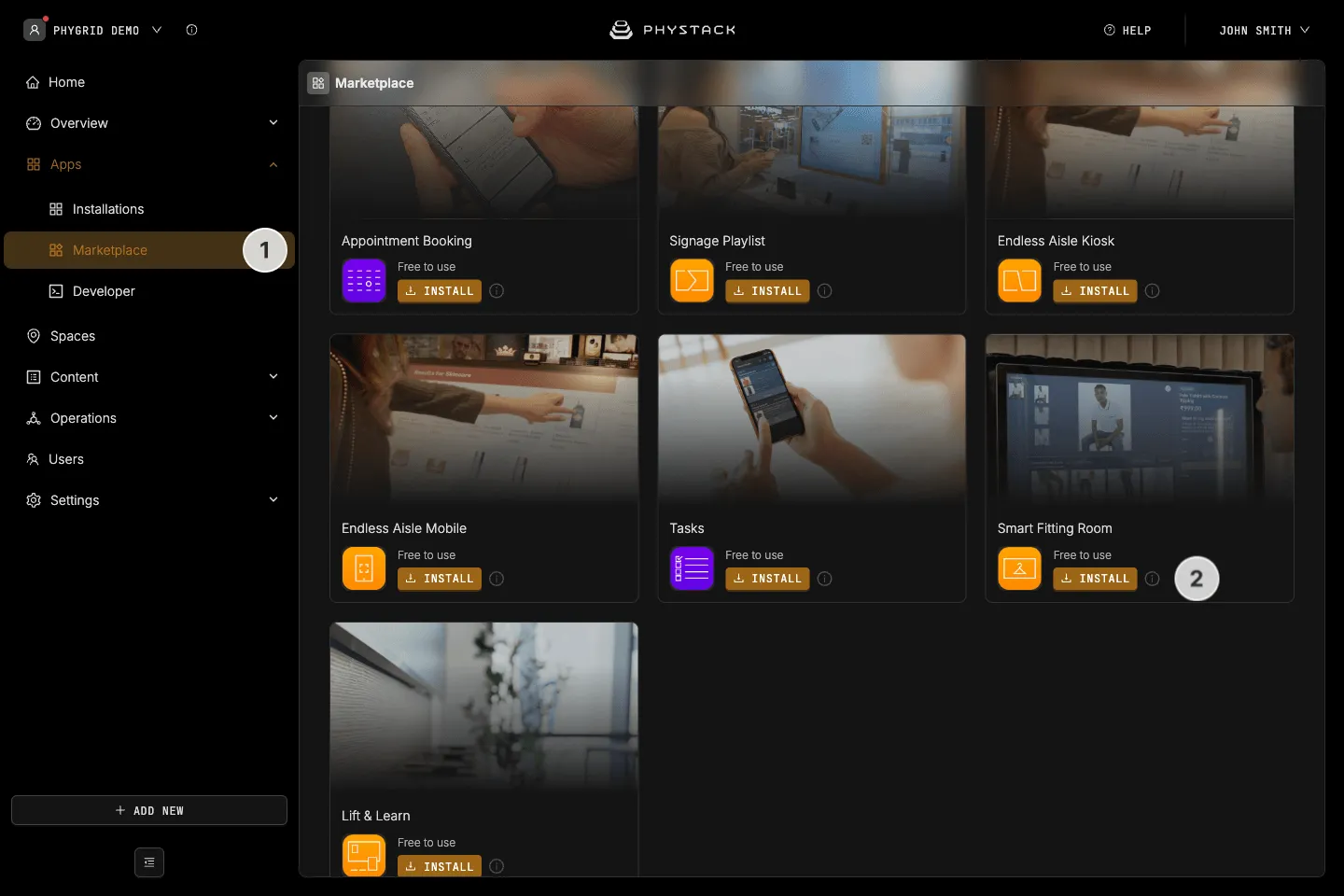
- In the sidebar, navigate to Apps → Marketplace
- Look for Smart Fitting Room in the list of applications and click on the Install button to open the installation dialog
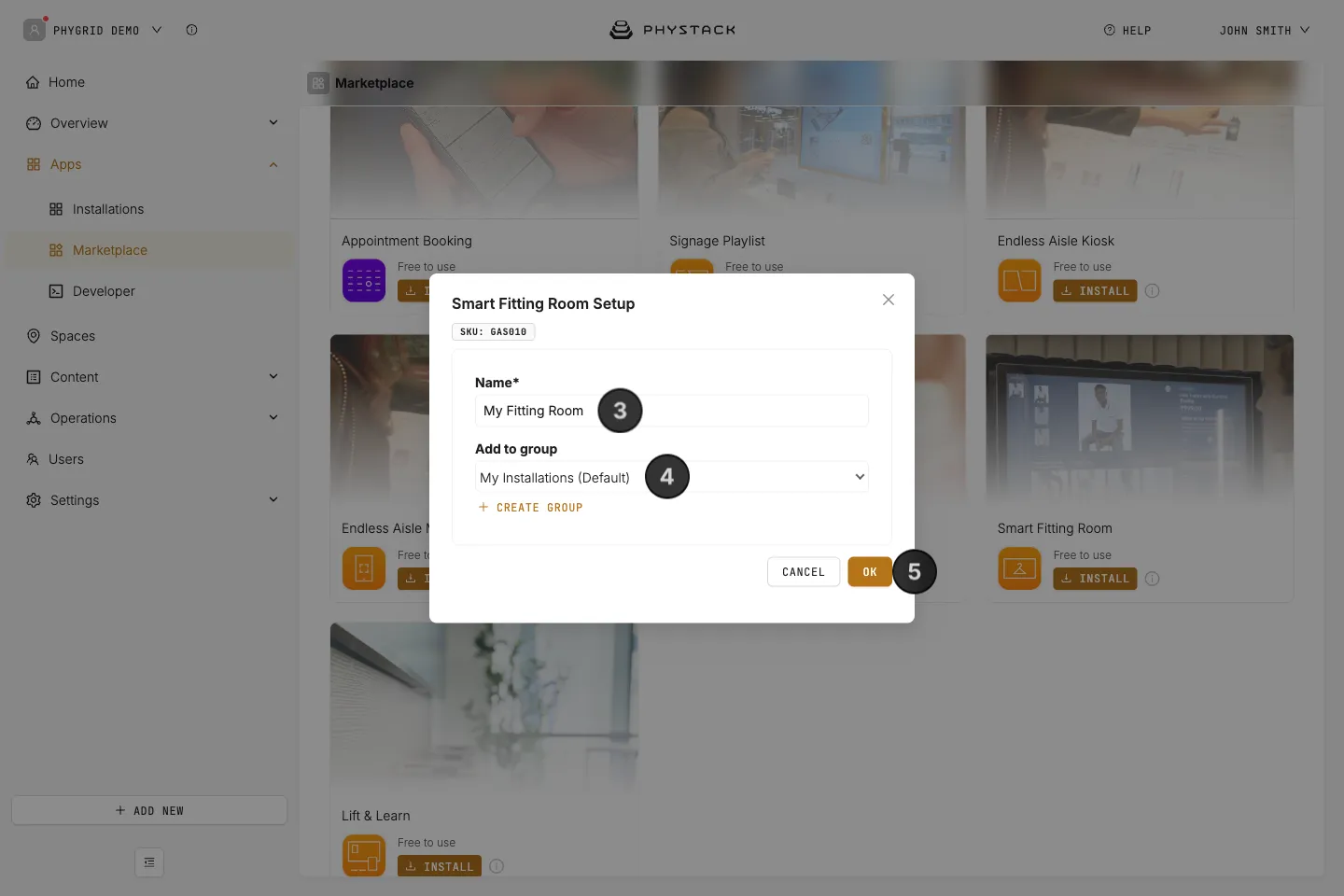
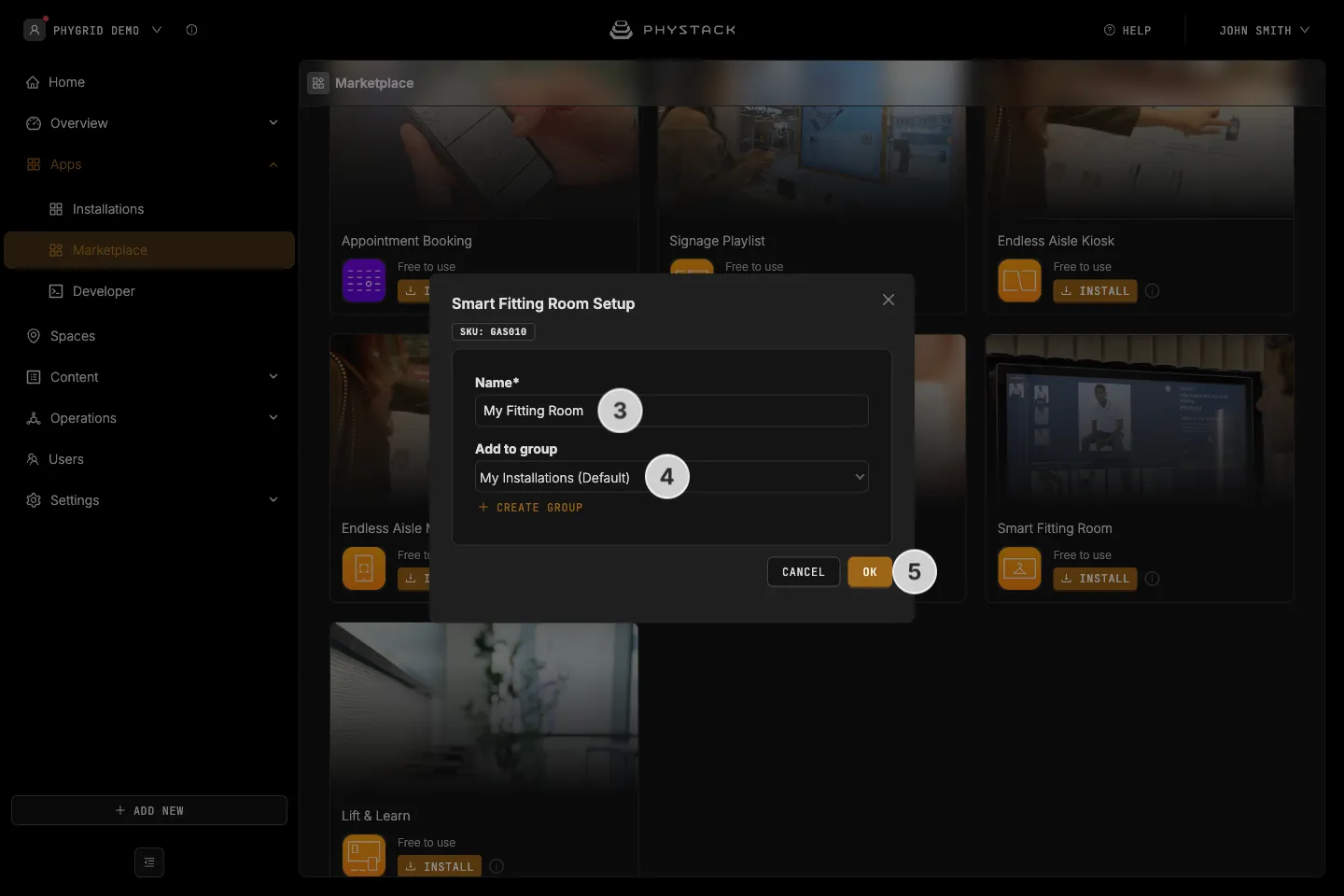
- In the installation form, enter a Name for your installation
- Optionally, pick a group in Add to group to organise your installations
- Click OK to create the Smart Fitting Room installation
How to verify the installation
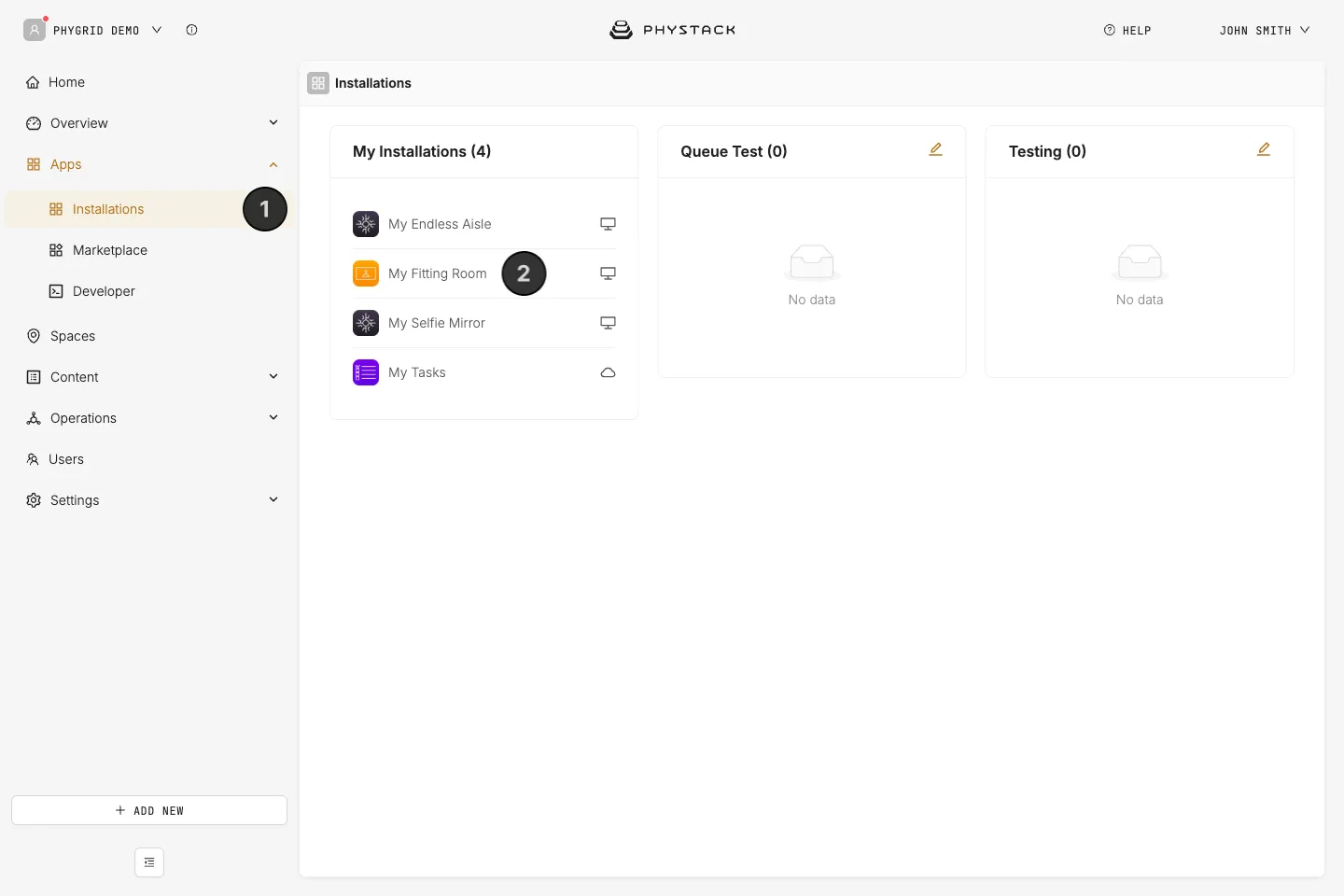
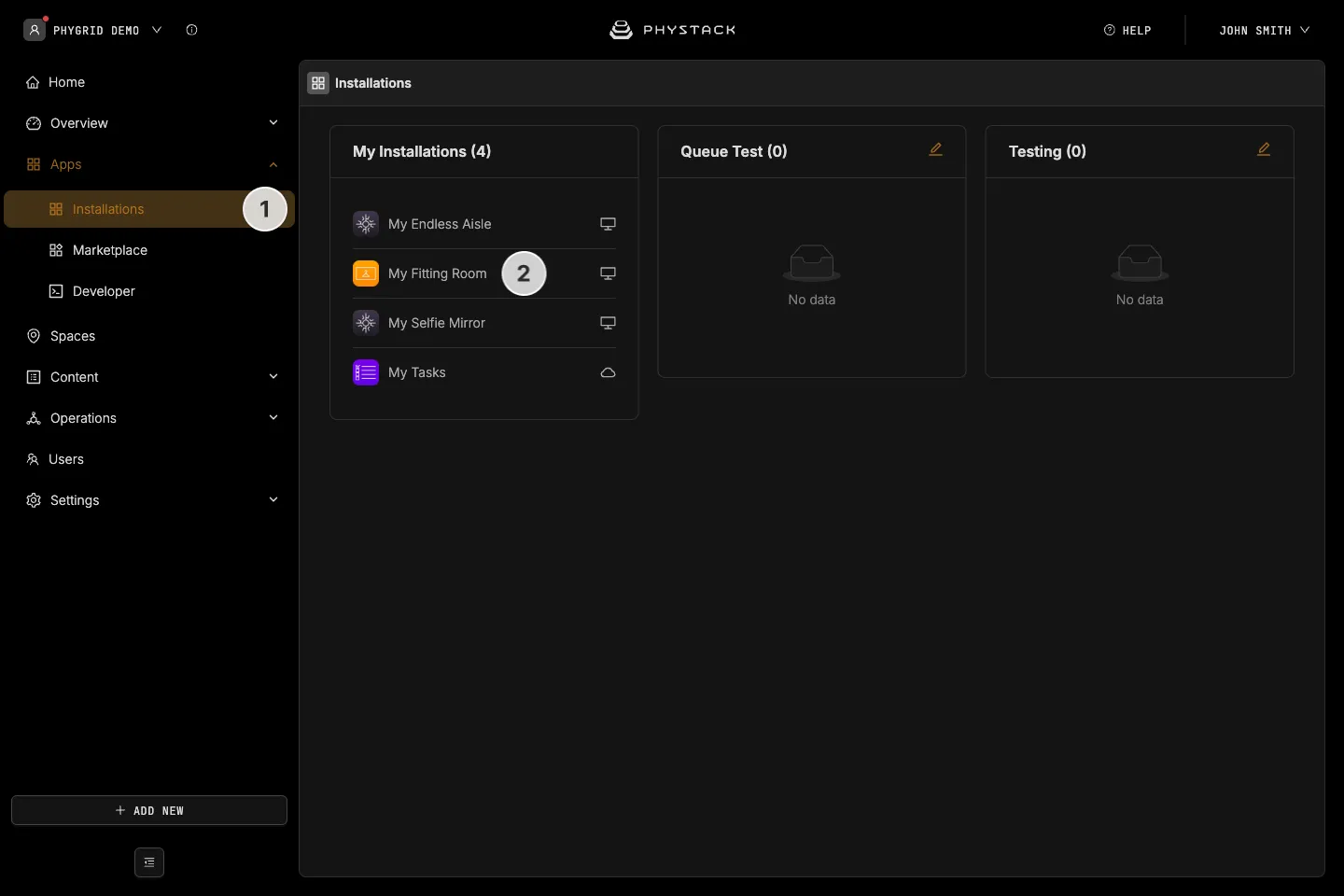
- Your new installation will be available in the sidebar under Apps → Installations
- Open the installation and configure it further as needed