
How to connect Selfie Mirror to a device
Selfie Mirror runs on the device that drives the mirror’s screen. The camera and microphone must be connected to the same device, because the app reaches them through peripheral apps installed there. Connect the installation to that device before configuring anything else.
Use these guides to connect your Selfie Mirror installation to a device:
How to configure device settings
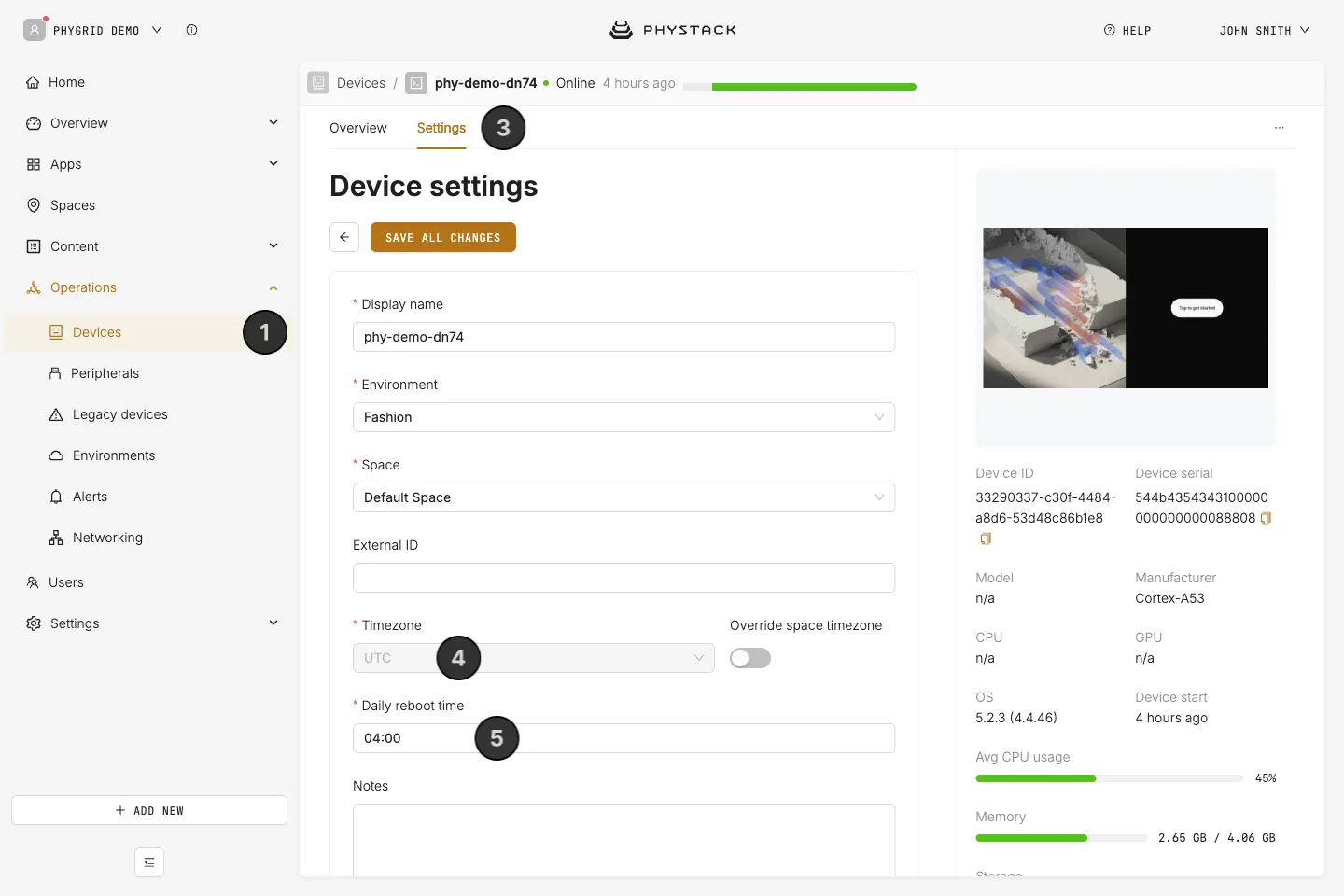
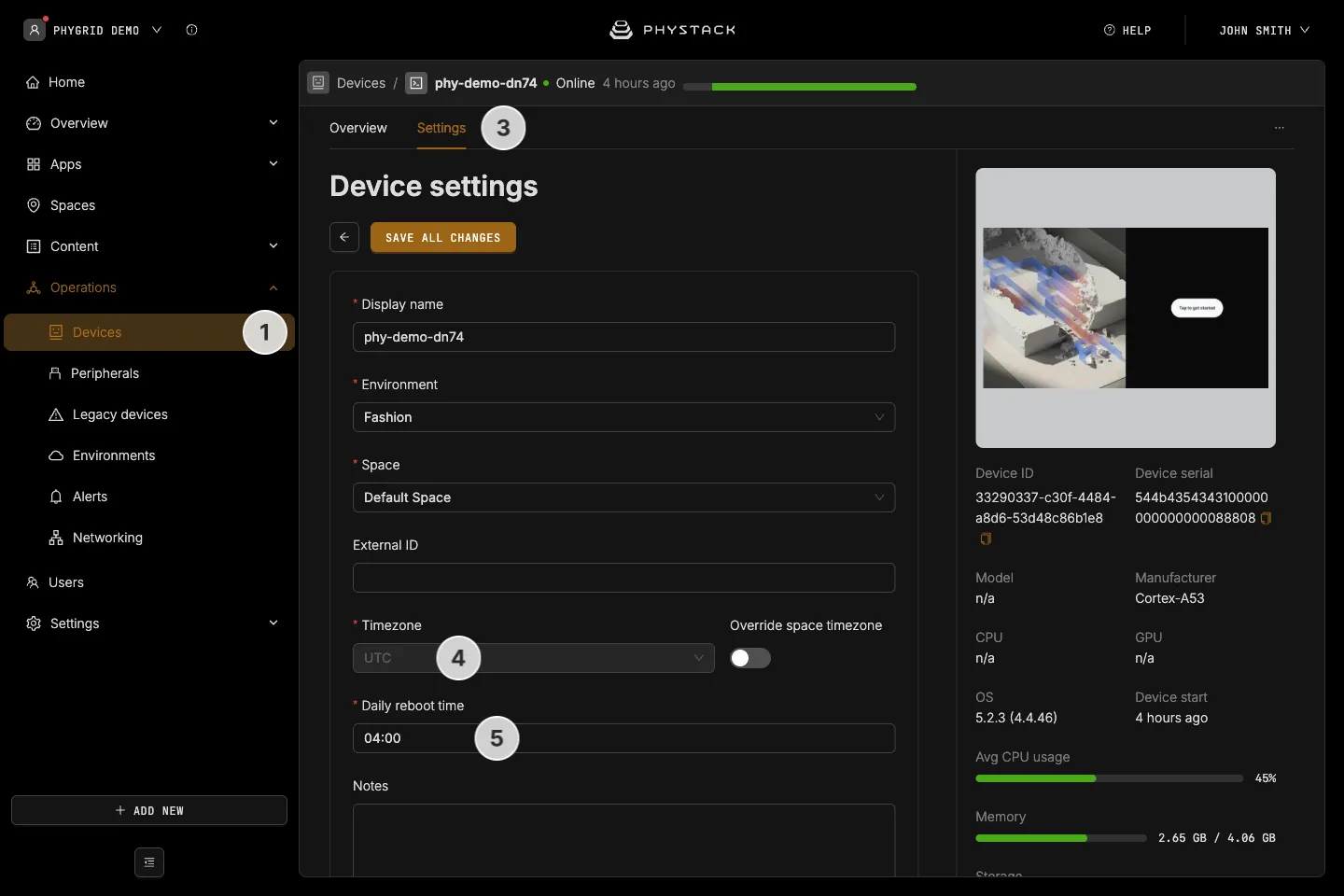
- Navigate to Operations → Devices
- Find your device and select it
- Go to the device’s Settings tab
- Set the proper timezone for the device. It follows the space’s timezone unless you turn on Override space timezone
- Set the daily reboot time
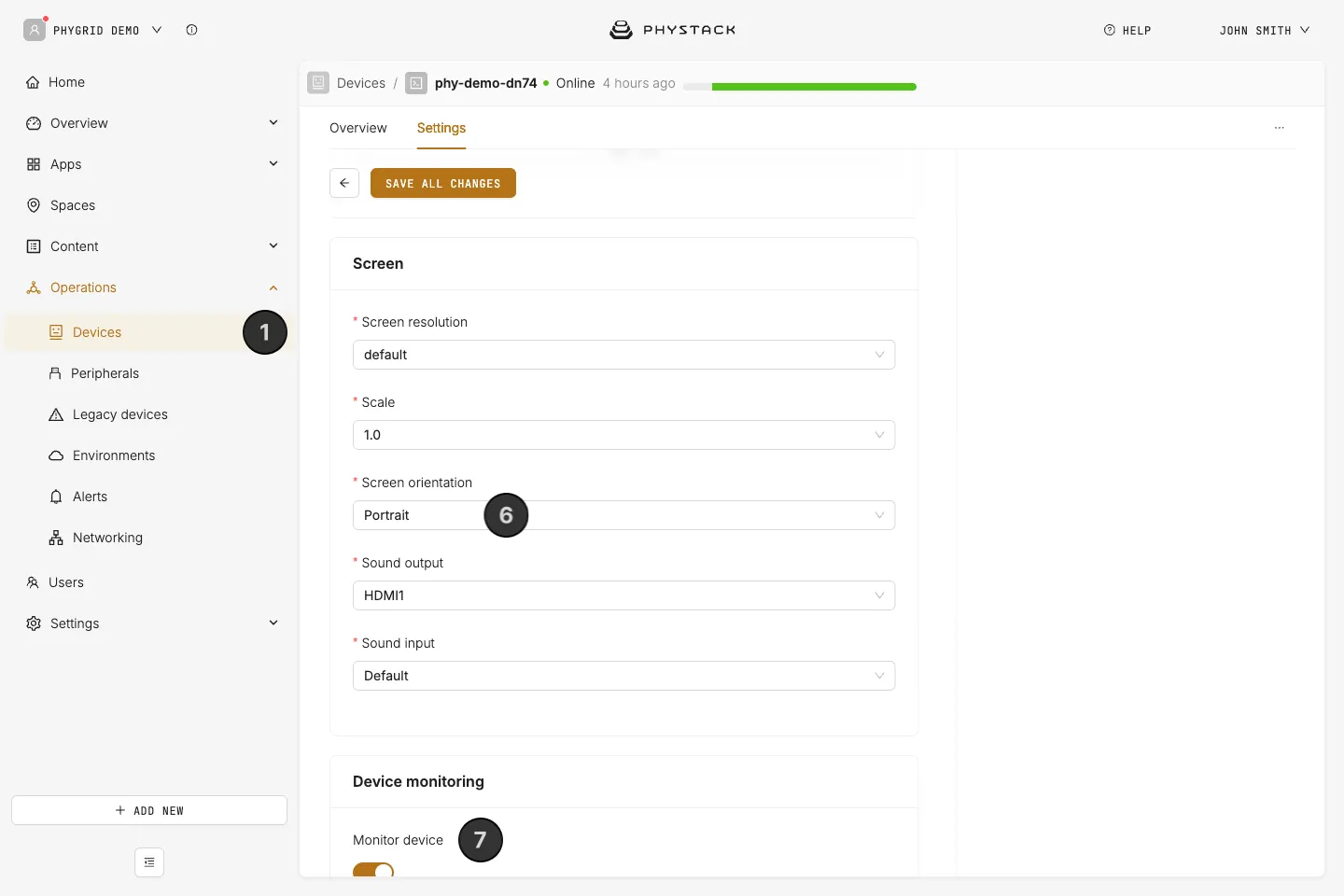
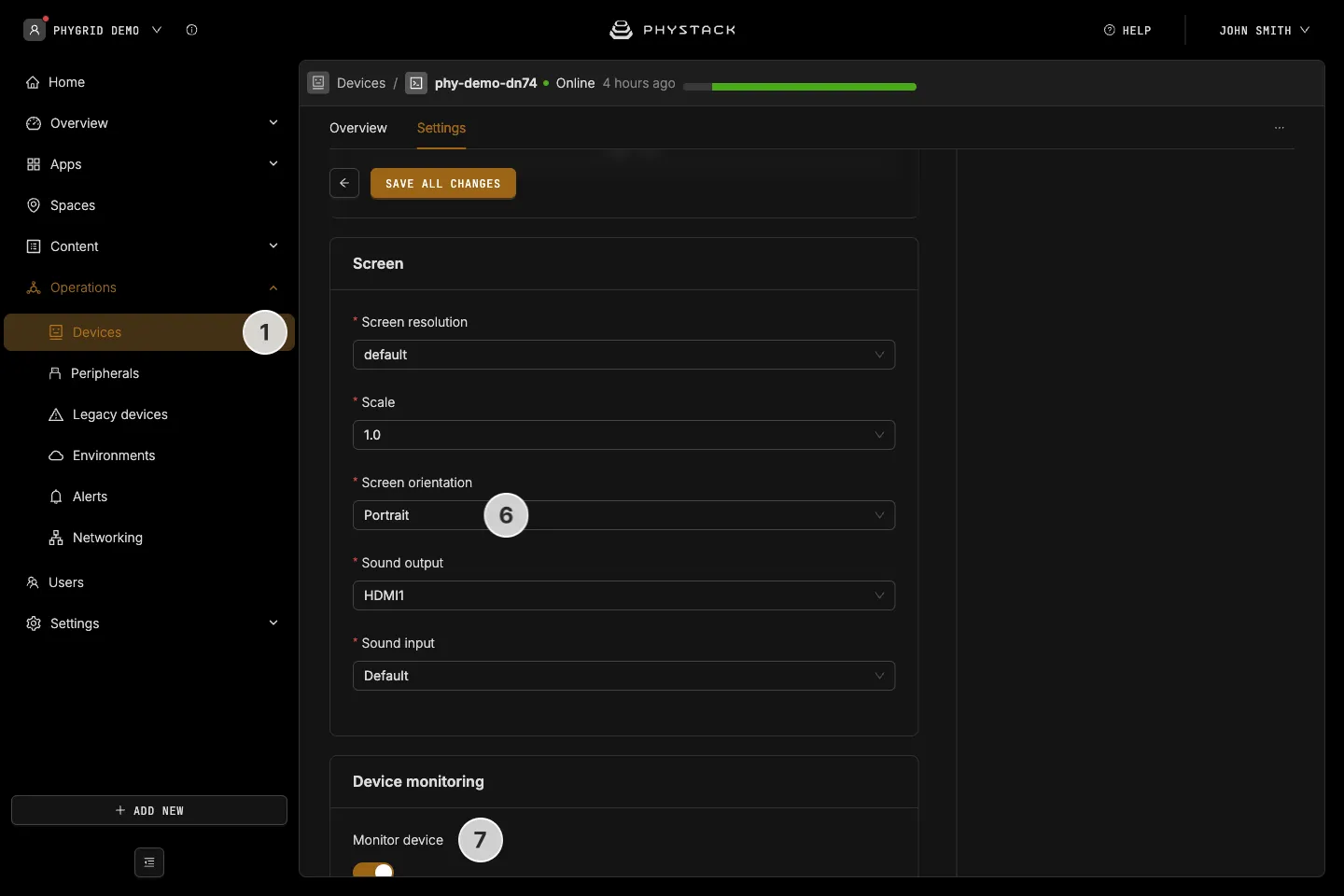
- Adjust screen settings, such as screen orientation, to match the mirror. Covers keep the size of their background image, so design them for this orientation
- Enable device monitoring so you can set up and receive device alerts