

How to create a category
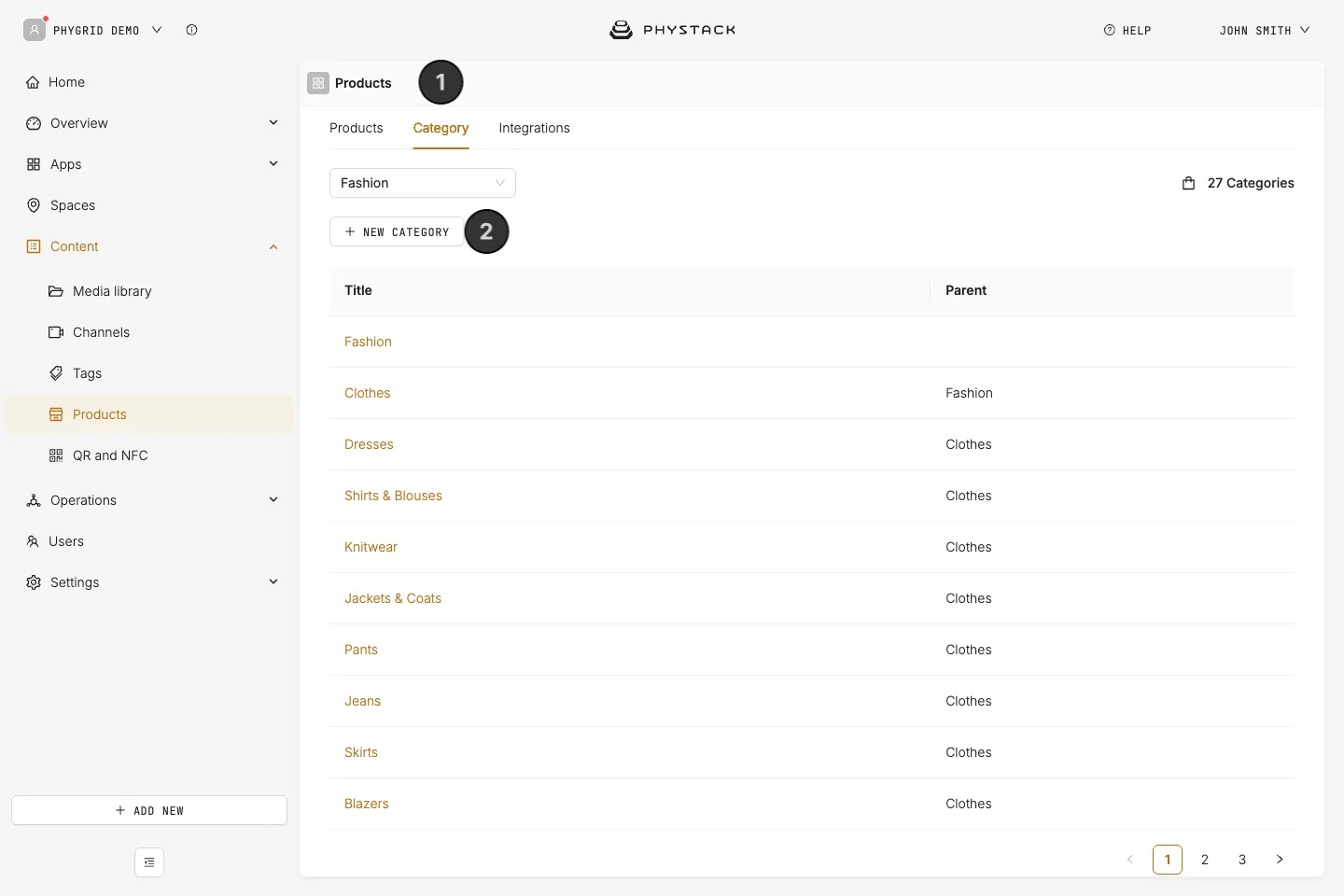
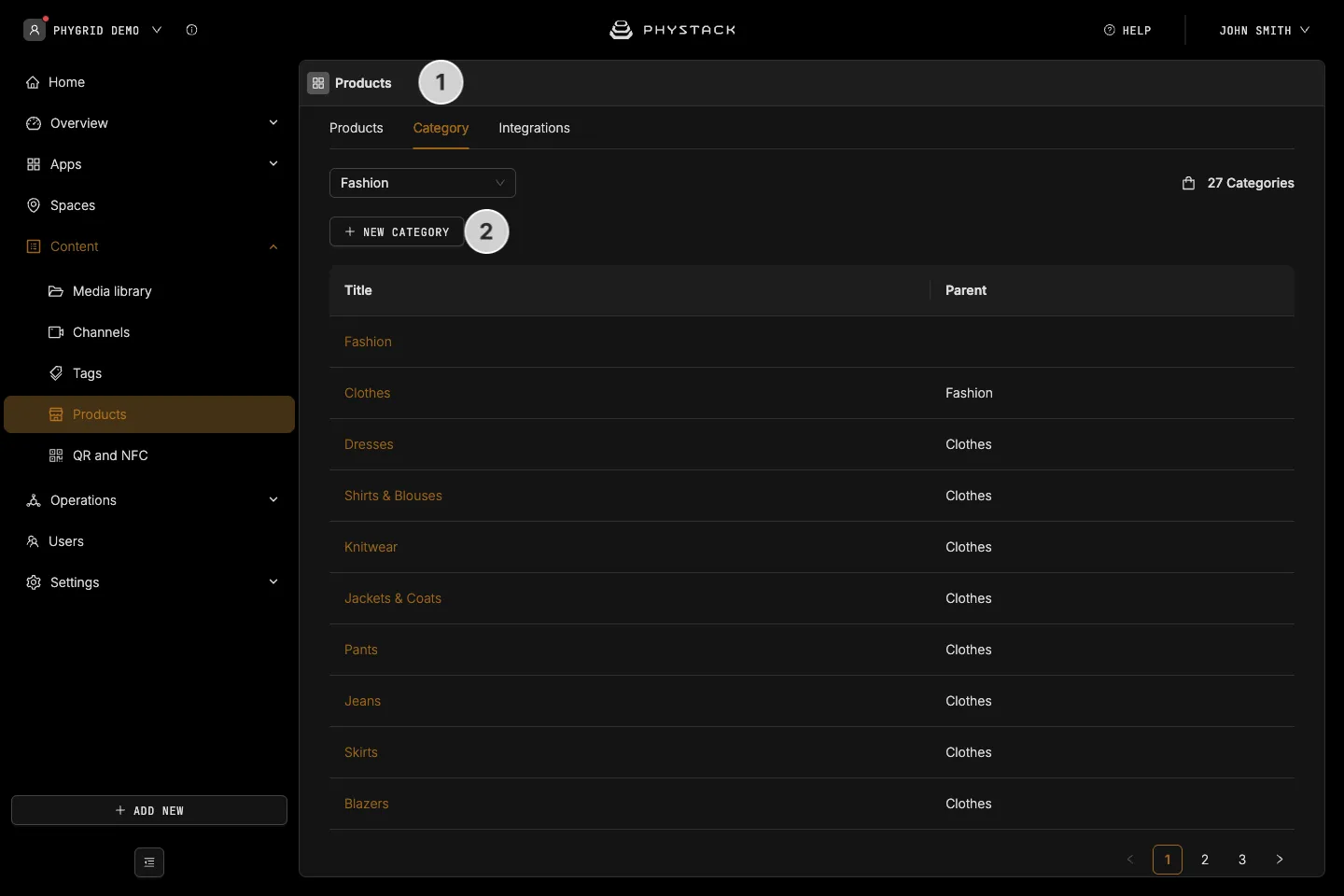
- In the PhyGrid Console, go to Content → Products and open the Category tab
- Click New category
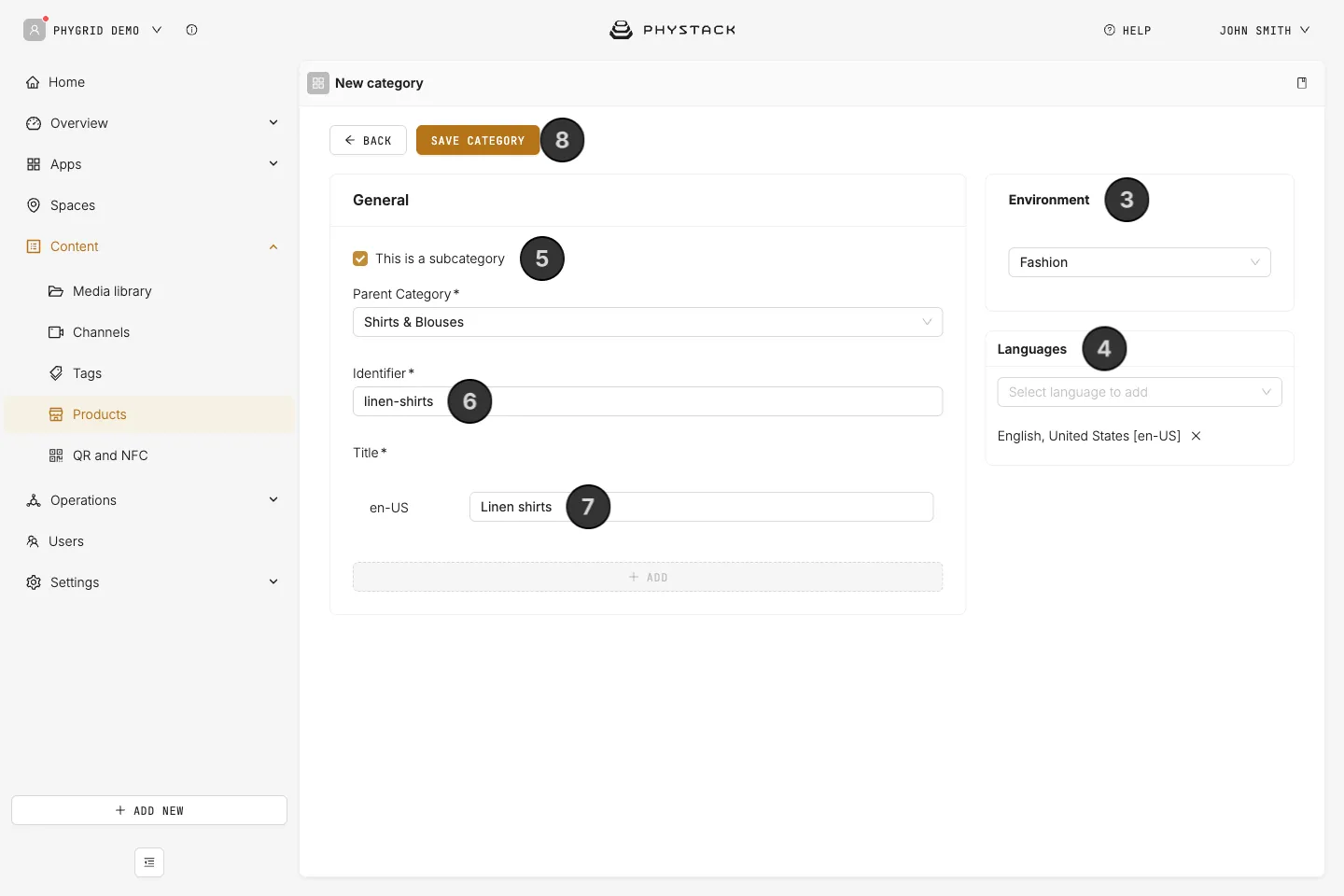
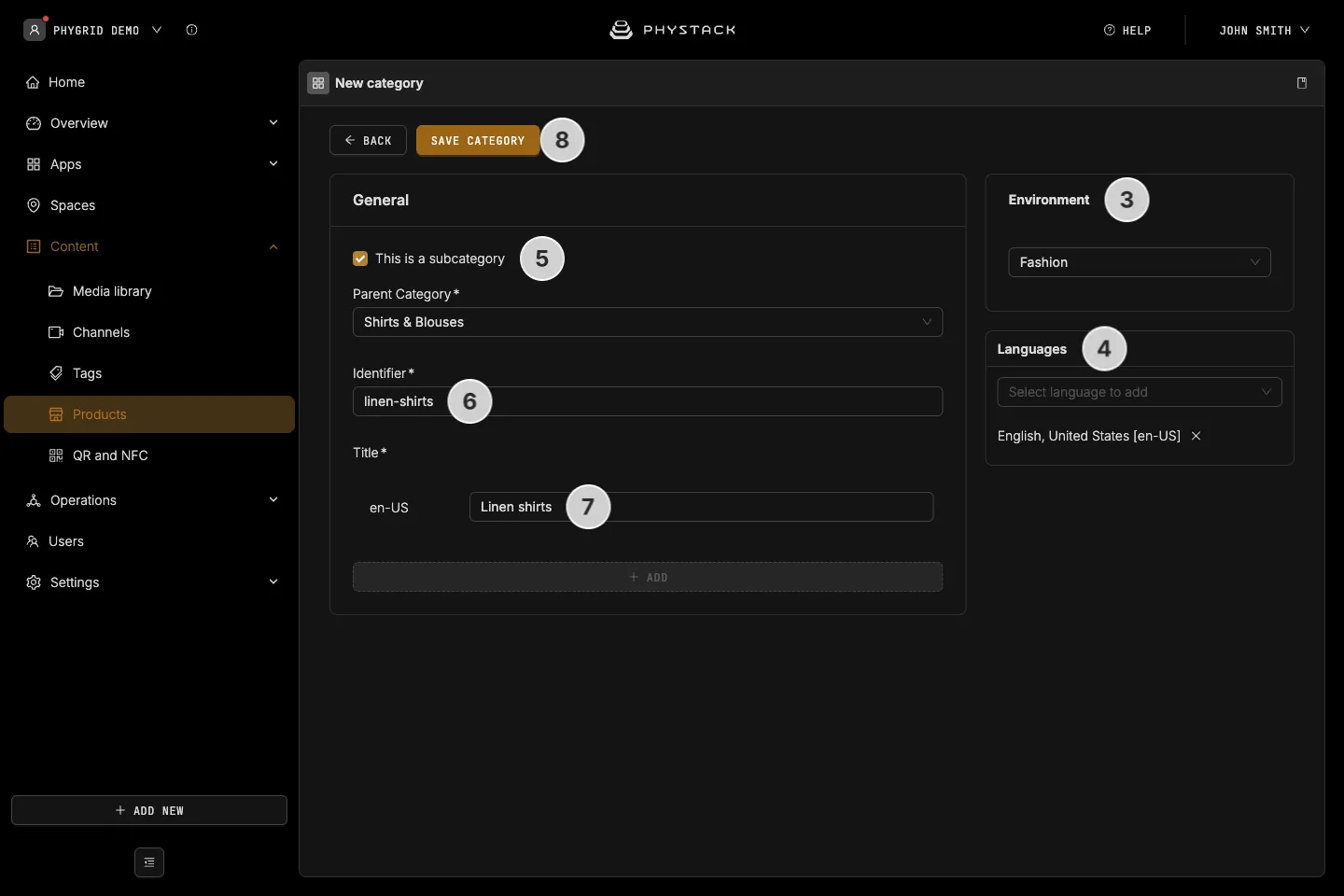
- Under Environment, choose the environment of the products that go in the category. You can’t change it after saving
- Under Languages, add each language from Select language to add
- For a subcategory, select This is a subcategory and choose the Parent Category
- Enter an Identifier, for example
shoes. It must be 3-50 characters: letters, digits, hyphens and underscores only. The field starts with a random value; replace it with one that’s easy to read, because you type it into solution settings - Enter the Title in each language
- Click Save category
Where the identifier is used
Solution settings refer to a category by its Identifier, not its title. For example, each category tile on the Endless Aisle home screen points to a category identifier, and shows the products of its subcategories too. See Make products show on the kiosk.