Occupancy Control shares all settings available in Queue Management and Appointment Booking. This page only covers the additional settings specific to the Occupancy Control variant.
Capacity
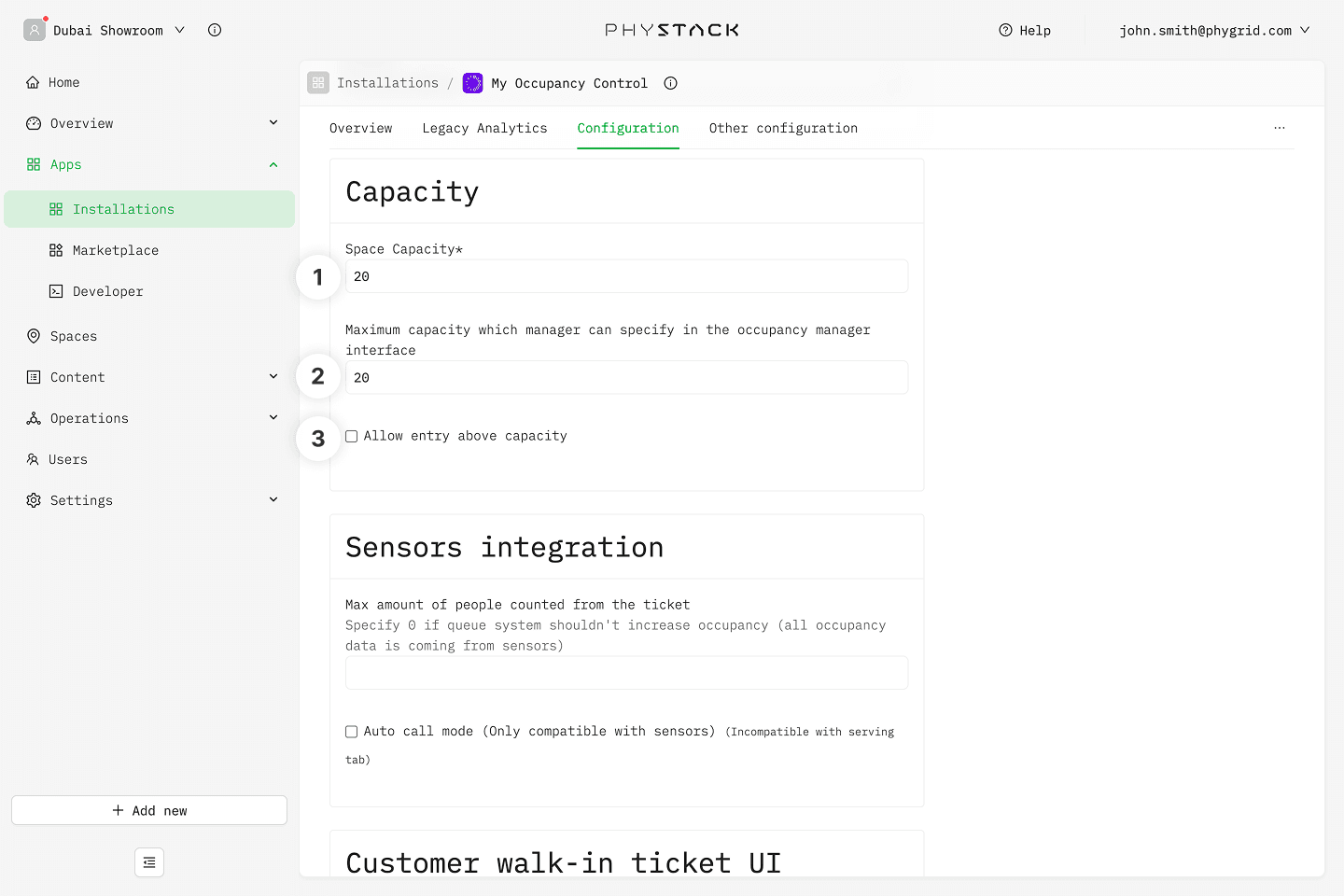
- Store capacity: The target capacity for the space. This is the threshold at which entry signage switches from green to red and new visitors are queued virtually
- Maximum store capacity: An optional hard cap above the store capacity. Use this to define an absolute maximum that accounts for staff or other non-visitor occupants
- Allow entry above capacity: If selected, visitors are still allowed to enter even when the space is at or above the defined capacity. The signage will show a warning state, but entry is not blocked
Sensors integration
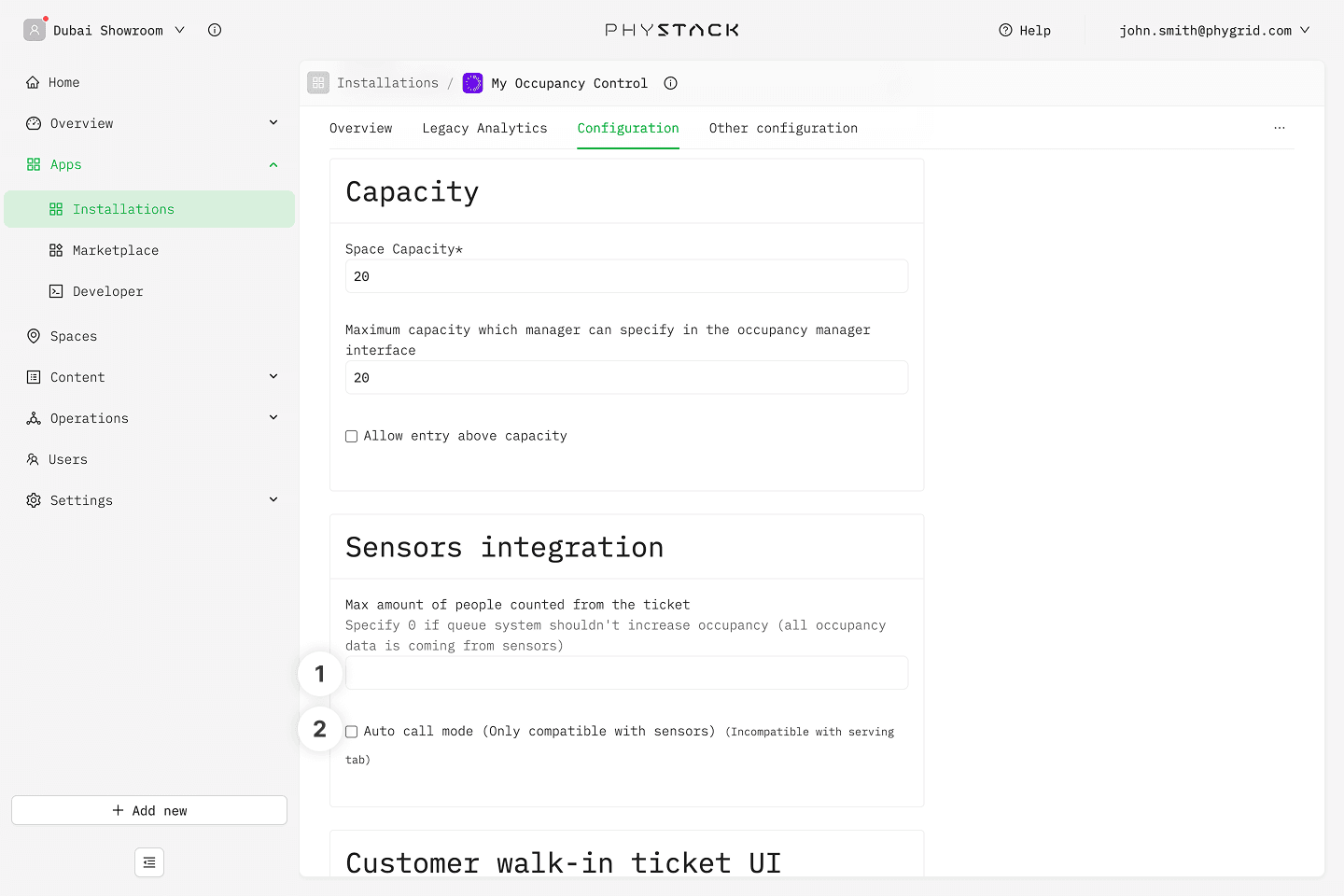
- Max amount of people counted from the ticket: Set the maximum amount by which the occupancy count can increase based on the number the visitor defined on the ticket. Set this to 0 to rely solely on the sensor data and ignore ticket information for occupancy numbers
- Enable auto call: If selected, the next customer in the virtual queue is automatically called when the occupancy drops below the store capacity. This option is not available when serving mode is enabled