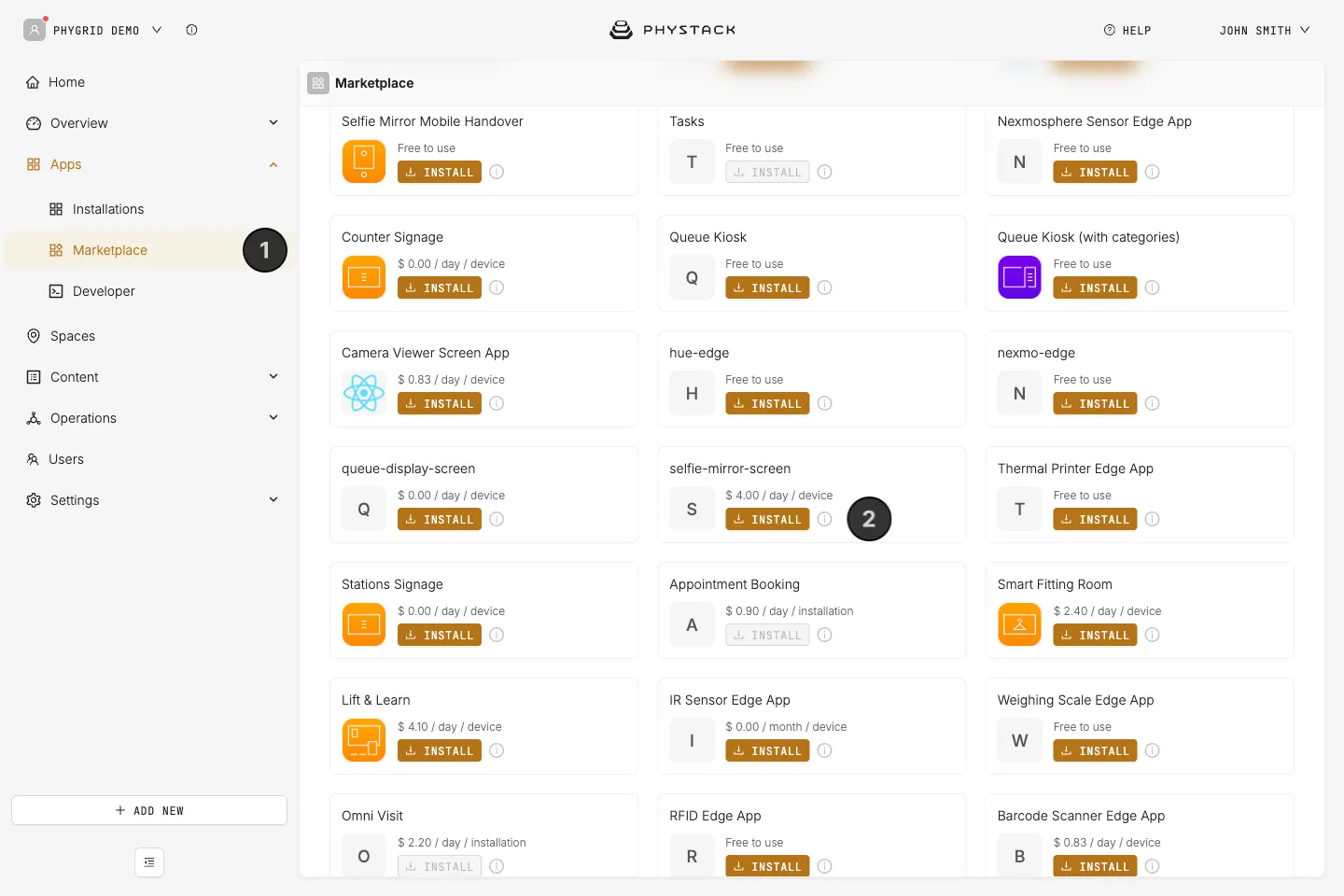
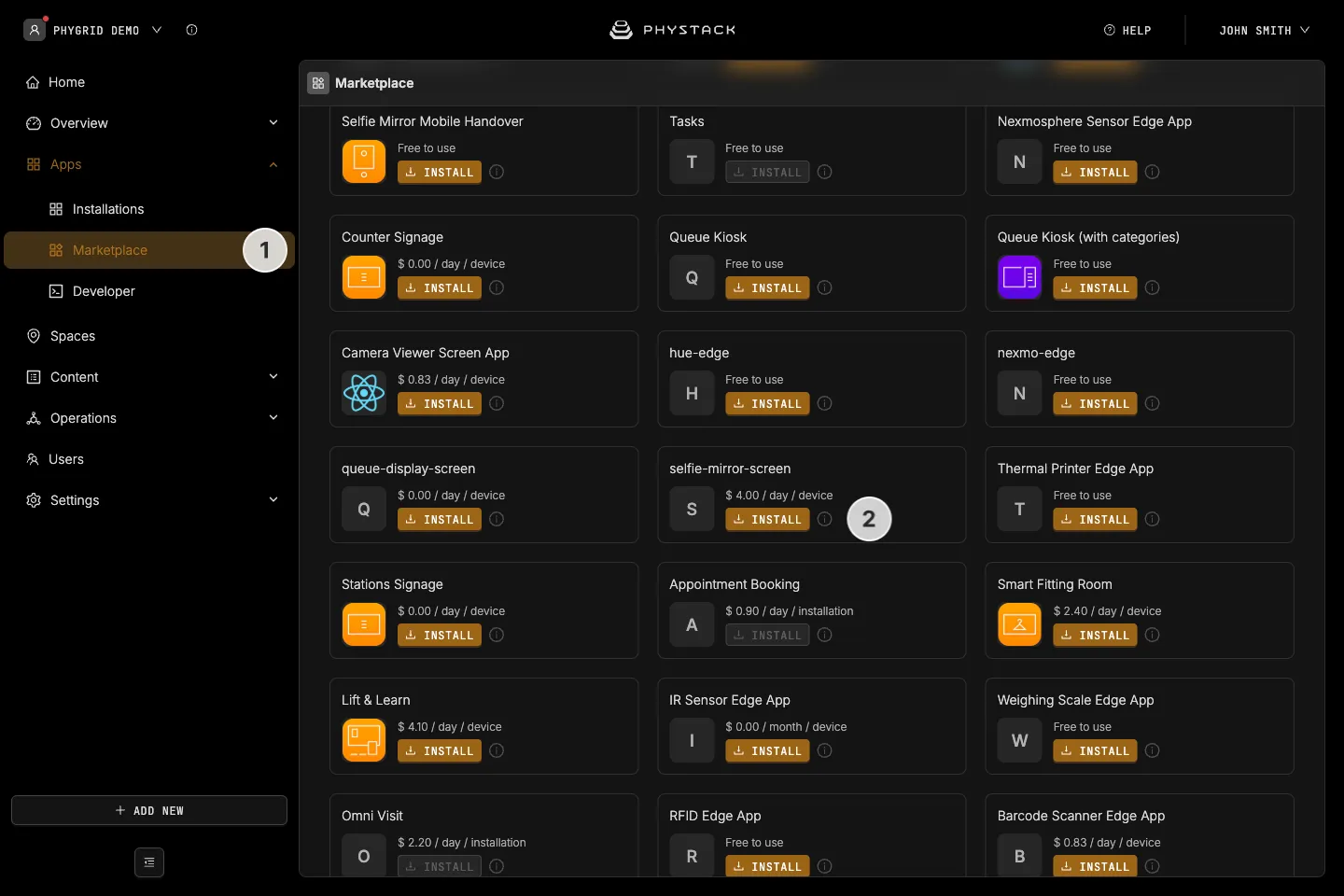
Look for selfie-mirror-screen in the list of applications and click on the Install button to open the installation dialog. The Marketplace also lists an older app called Selfie Mirror (version 1), which these guides don’t cover
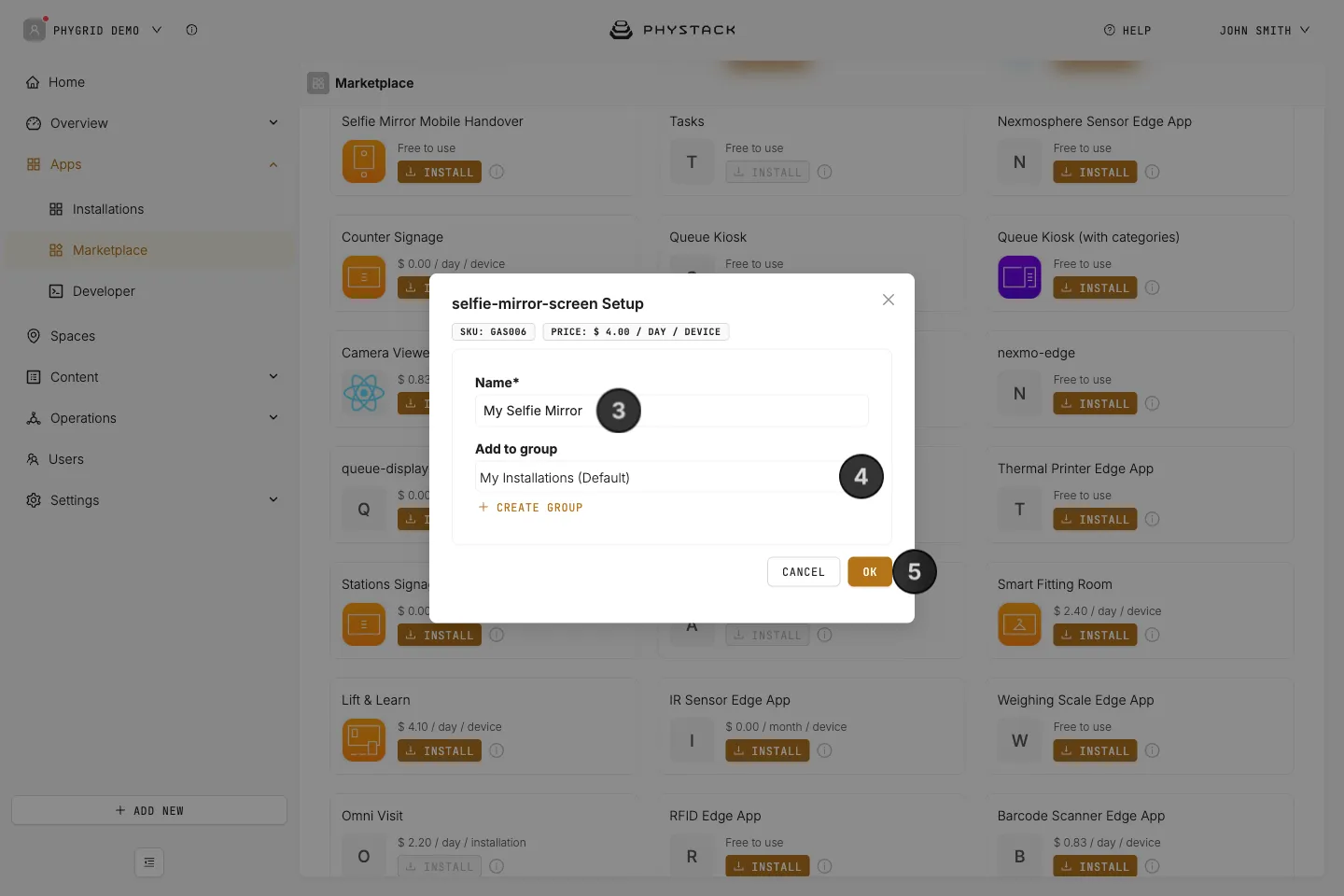
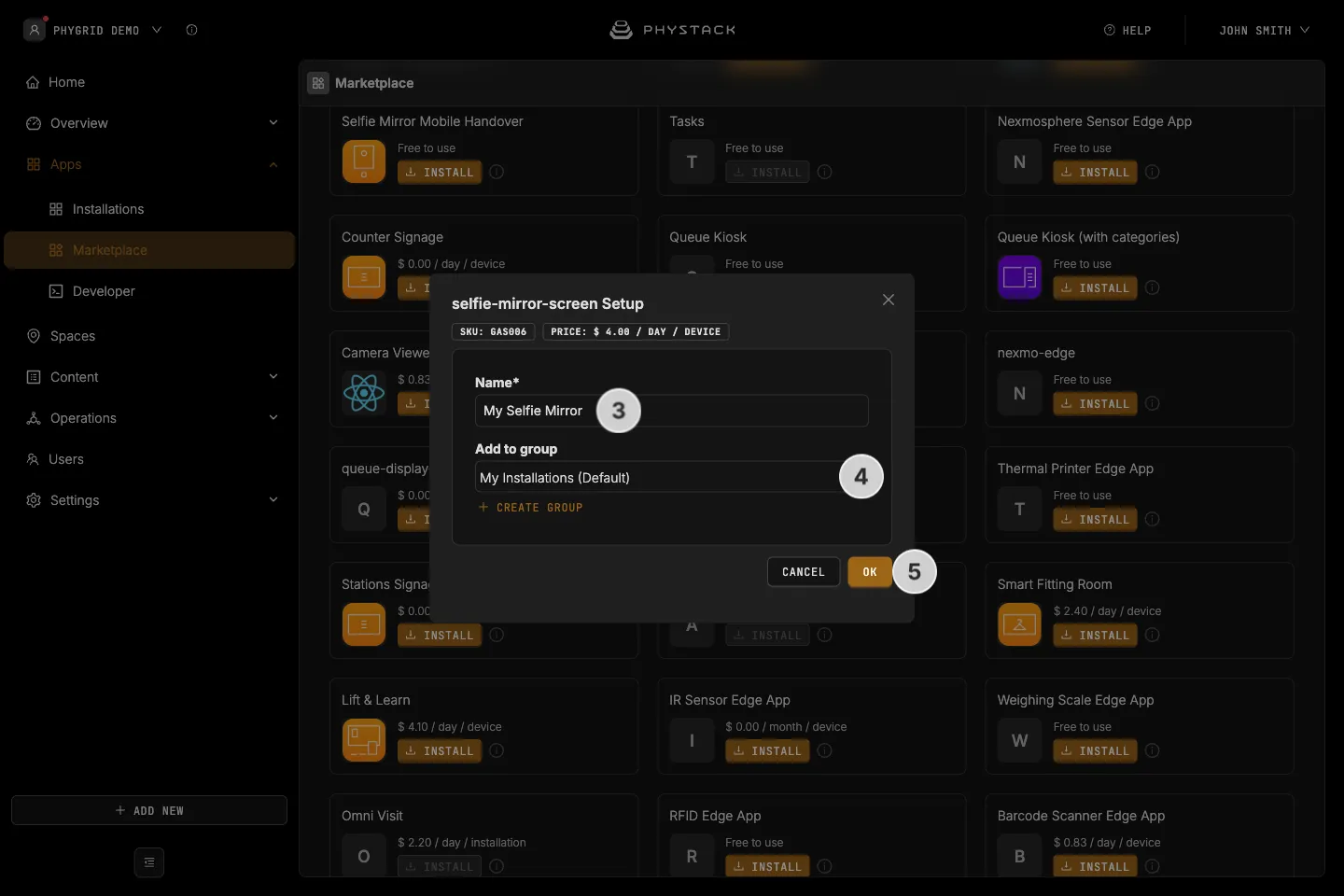
In the installation form, enter a Name for your installation
Optionally, select a Group to organise your installations
Click OK to create the Selfie Mirror installation
How to verify the installation
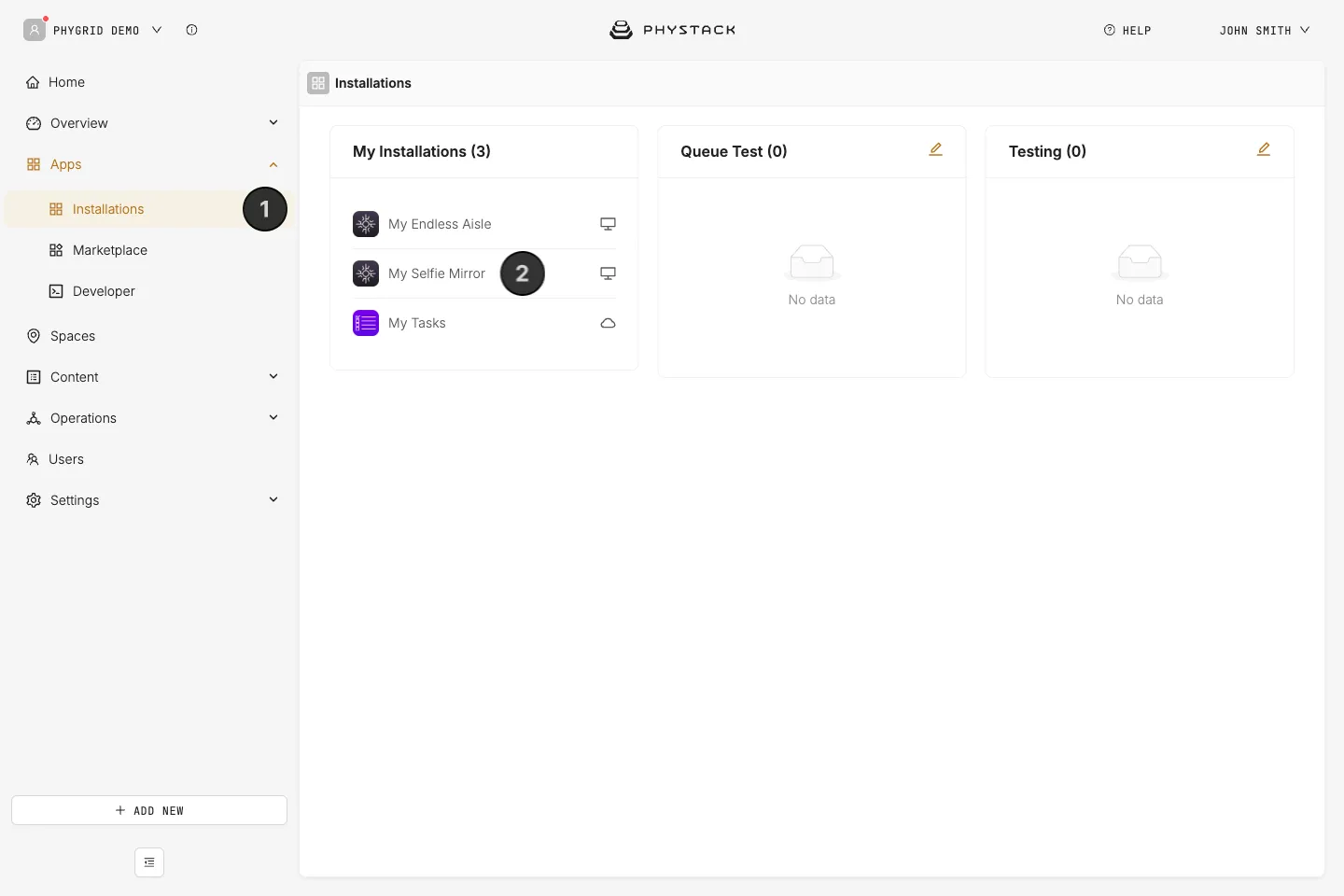
Your new installation will be available in the sidebar under Apps → Installations